
Free · No login · No watermark
Pinterest Downloader
Paste any Pinterest link — video, photo, GIF, reel, or a whole board — and we’ll work out the rest.
- HD Quality
- No Registration
- All Content Types
- No Data Stored
All Tools
Choose the right Pinterest downloader
The tool above handles most links on its own. If you already know what you’re saving, go straight to the one built for it.
Save a still image at full original resolution, not the compressed preview size.
Open tool →
Simple Process
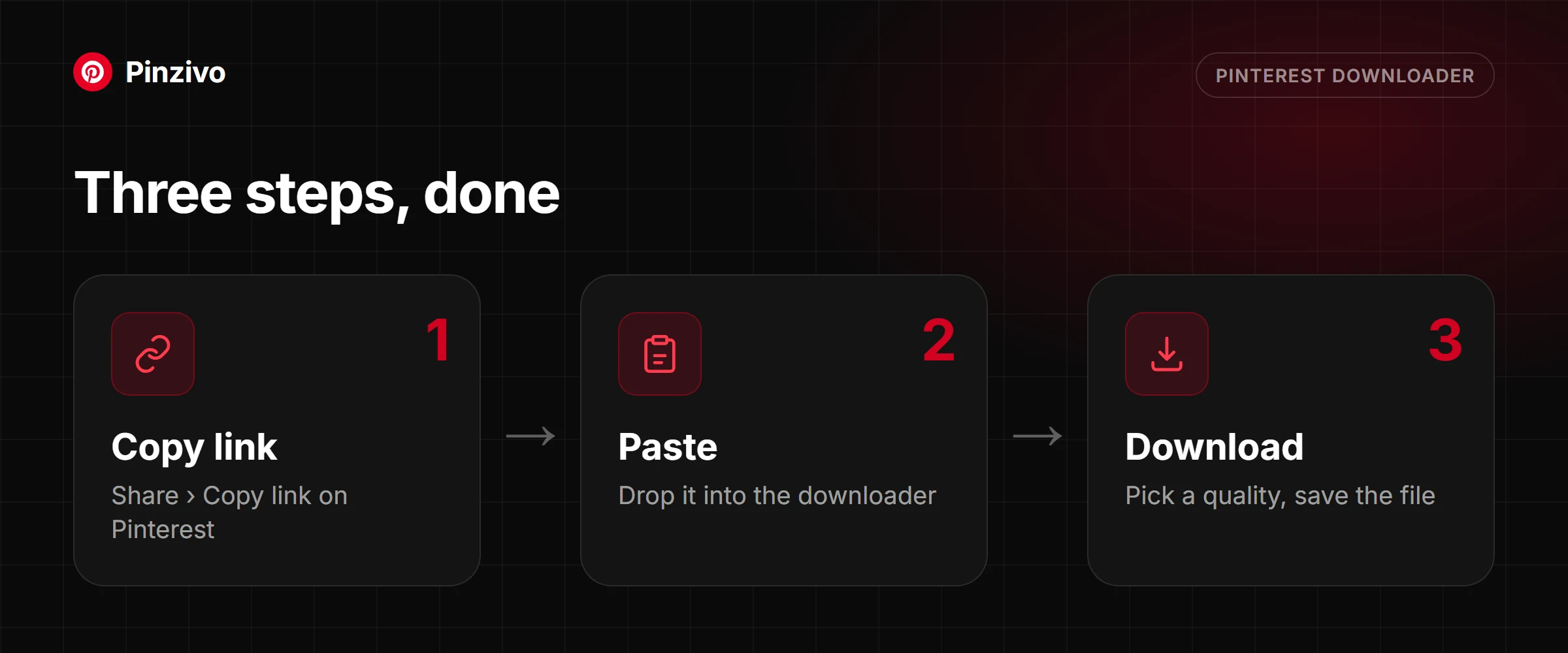
Three steps, done
01
Copy the pin link
Open the pin on Pinterest, tap Share, then Copy link. Full pinterest.com addresses and short pin.it links both work.
02
Paste it above
Drop the link into the box at the top of this page, or hit Paste to pull it straight from your clipboard.
03
Download in original quality
Pick a quality if you’re offered one, then save. The file lands in your downloads folder exactly as it was uploaded.
Why Pinzivo
Built to get out of your way
Instant downloads
The link resolves the moment you paste it. No queue, no countdown, no “wait 30 seconds” page.
Works on any device
Phone, tablet, laptop, desktop. It runs in the browser you already have open, with nothing to install.
Privacy first
We don’t ask who you are. There’s no account, no email box, and no tracking of what you saved.
No account needed
Nothing to sign up for and nothing to cancel. Open the page, paste, download, close the tab.
Original quality
You get the file the way it was uploaded, not a re-encoded copy made to save us bandwidth.
Completely free
Every tool on this site, every day, with no download cap and no paid tier hiding the good features.
Which tool do you need?
Every Pinterest downloader on this page does the same basic job — read a link, find the media, hand you a file — but which one you need depends on exactly what you pasted. The quickest way to tell is the link itself: its shape gives away whether you are looking at a single pin or a whole board, and once you are on a pin, what kind of pin it is.
A pin versus a board
A single pin’s URL looks like pinterest.com/pin/123456789/ — every pin gets its own number, right there in the address. A board’s URL is shorter and has no /pin/ in it at all: just pinterest.com/username/board-name/. That is the whole decision at a glance. Anything with /pin/ goes to one of the four single-pin tools below; a link with a username and a board name goes straight to the Board Downloader. A short pin.it link from the app has no /pin/ either, but it is usually a single pin — paste it and the tool checks for you.
Still, moving, or looping
Once you know you are on a pin, there are only three things it can be. A still photo, saved at full resolution by the Photo Downloader rather than the smaller preview size Pinterest shows on the page. A video, saved as an MP4 by the Video Downloader, usually with a choice of quality. Or a short looping clip — a GIF — saved by the GIF Downloader as a file that keeps playing wherever you open it, no player required.
What a multi-slide pin is
Some pins are not one image or clip but several, stitched together so you swipe through them like a mini slideshow. These are not a single video file underneath, even though the swipe makes them feel that way — Pinterest stores each slide separately. The Reel Downloader is built for exactly this: it pulls every slide out on its own, or lets you grab them together, so nothing gets skipped mid-swipe.
When the general tool above is enough
The paste box at the top of this page runs this same check automatically — paste any pin or board link into it and it works out which of the five tools applies, then hands you the file directly. That covers most visits. Come back to a specific tool when you already know what you want out of it: one particular video quality, the untouched original photo, every slide of a multi-slide pin, or an entire board zipped into a single download.
Quick decision list
If you only remember one thing, remember this: a link with /pin/ is a single pin, and a link without it is a board or a pin.it shortcut. Then choose by what the pin does.
- A single pin that plays like a clip — it is a video; the Video Downloader gives you an MP4 in your chosen quality.
- A single pin that stays still — it is a photo; the Photo Downloader gives you the full-resolution original.
- A single pin that loops silently — it is a GIF; the GIF Downloader saves the loop as a file that keeps playing.
- A single pin you swipe through — it is a multi-slide pin; the Reel Downloader lists every slide so you can save one or all.
- A username followed by a board name, with no pin number — it is a board; the Board Downloader zips the whole thing.
- A short pin.it share link — usually a single pin; paste it into any tool and it is resolved for you.
FAQ
Questions people ask before they paste
Which Pinzivo tool should I use?
If your link points at one pin, the tool at the top of this page will identify what it is and hand you the right file. Reach for a specific tool when you want something particular from it — a chosen video quality, a full-size still, every slide of a multi-slide pin, or an entire board zipped up in one go.
Do I need an account to use Pinzivo?
No. There is no sign-up step, no email prompt, and no login wall at any point. The site never asks for your Pinterest credentials, and you should be suspicious of any downloader that does.
Does Pinzivo work on iPhone and Android?
Yes, in the mobile browser you already use — Safari, Chrome, Samsung Internet, Firefox. There is no app to install. On iPhone, saved files land in the Files app under Downloads; on Android they go to your Downloads folder and usually appear in your gallery shortly after.
Is it really free, and is there a daily limit?
It is free and there is no cap on how many links you can run through it. There is no premium tier withholding higher quality or faster processing, because there is no premium tier.
Can I download from a private or secret board?
No. Pinzivo can only reach content that Pinterest serves publicly. Secret boards, private profiles and anything behind a login are invisible to it, and there is no way to authenticate that would change this.
Is it legal to download Pinterest content?
Saving something for your own private use is generally fine. Re-uploading it, putting it in a client project, or making money from it is a different matter — that content belongs to whoever made it, and you would need their permission. Pinzivo gives you the file; what you do with it is on you.
My link isn’t working. What’s wrong?
Check three things, in this order. First, that the address really is a pinterest.com or pin.it link and not a redirect from somewhere else. Second, that the pin is still live — deleted pins return nothing. Third, that you are using the right tool for what the link contains; a board URL pasted into a single-pin tool will not resolve.
Does downloading count as a save on the creator’s pin?
No. Pinzivo fetches the file directly. Nothing is written back to Pinterest, so the creator sees no save, no click, and no notification.
Guides
Read more
Pin, board, video, photo, GIF or multi-slide: how to tell what your link is and which tool to use.
Read guide →
Copy the link, paste it, pick a quality. Steps for iPhone, Android and PC, plus fixes when it fails.
Read guide →
Save every pin from a board in one go, what the ZIP contains, and how large boards work.
Read guide →
Ready to save your next pin?
Scroll back up, paste your link, and you’re done in about ten seconds.