
MP4 · Original audio · Up to 4K
Pinterest Video Downloader
Save any Pinterest video pin as an MP4 at the best resolution Pinterest actually stored for it.
- Every stored quality
- Audio kept
- No re-encoding
- No watermark
Step by step
How to download a Pinterest video on your device
The awkward part is copying the link, and it works differently on each platform. Pick yours.
- Open the Pinterest app and tap the video pin so it fills the screen.
- Tap the three-dot icon in the top-right corner, then choose Copy link. Ignore Share to — that route often hands you a shortened link with tracking junk attached.
- Switch to your browser, return to this page, and long-press the input box above to paste.
- Tap Get video, choose a quality when the options appear, and the MP4 saves to your Downloads folder.
- Open the pin in the Pinterest app and let the video start playing.
- Tap the share arrow, then Copy link. On iOS the app copies a
pin.itshort link — that is fine, it resolves correctly here. - Open Safari, come back to this page, tap the input box and choose Paste, or use the Paste button next to it.
- Tap Get video, pick your quality, then press and hold the download button and choose Download Linked File. The MP4 lands in Files → Downloads, not in Photos.
- Open the video pin on pinterest.com in any browser.
- Copy the address straight from the URL bar. It will look like
pinterest.com/pin/followed by a long number — the cleanest form of the link. - Paste it into the box above and press Get video.
- You will be shown every resolution Pinterest is holding, with the file size next to each. Pick one and it downloads immediately.
Pinterest video quality, explained
The quality you see while scrolling Pinterest and the quality Pinterest actually has stored are two different things, and the gap between them is bigger than most people expect. Here is what decides what you can actually pull off a video pin, and why the numbers in the picker above mean what they say.
What Pinterest does to a video on upload
When a video pin goes live, Pinterest keeps more than one file behind it. The original gets re-encoded into a small ladder of renditions — different resolutions and bitrates aimed at different connections and devices, the same approach every major video platform uses so a phone on patchy data is not stuck loading a file built for a desktop monitor. The clip that autoplays as you scroll the feed is picked for speed, not fidelity. It is often the smallest rendition on that ladder, not the best one Pinterest actually has.
That gap is what this tool is built to close. Instead of grabbing whatever the feed happens to be playing, it asks Pinterest directly for every rendition attached to a pin and hands you the real list, not the one guess the app already made on your behalf.
720p, 1080p and 4K in practice
What you can get tops out at whatever the original upload supported — the ladder scales down from the source, never up. A clip filmed and uploaded at 1080p might offer 1080p, 720p and a couple of lower steps beneath it; a clip that started life as a 720p export will never offer 1080p, no matter how a quality label elsewhere makes it sound. True native 4K on Pinterest is uncommon — most creators export from a phone or editing app at 1080p, so treat 4K as something that turns up on a minority of pins, not something to expect by default.
Why the same pin offers different qualities to different people
Pinterest's own player uses adaptive delivery — it watches your connection and quietly switches renditions mid-playback, which is why the same pin can look sharper on one visit than another and why the app rarely shows the full list at all. The quality picker on this page skips that guesswork. It lists every rendition Pinterest actually generated for the pin, so you are choosing a fixed file rather than whatever the adaptive logic happened to hand you in that moment.
Audio
The audio track travels inside the video file itself — there is no separate step for sound. If a pin plays silently in the feed, that is almost always because the original upload never had an audio track, not because Pinterest stripped one out somewhere along the way. A download that comes out silent is telling you the truth about the source file, not failing at its job.
Watermarks
Two different things get called a "watermark" here, and they behave differently. A platform watermark — a small logo the app overlays itself — is not something Pinterest adds to video the way some other platforms do; what you download is the file as it was uploaded. A creator's own branding, on the other hand — a logo or handle burned into the footage before posting — is baked into the pixels and travels with every rendition, because it was never a separate layer to begin with.
Re-encoding
Plenty of "downloader" sites and browser extensions record the video off-screen or transcode it on the way through, which throws away quality and adds compression artifacts nobody asked for. This tool does neither. It requests the rendition file directly from Pinterest's own storage and streams it to you unchanged, so what lands in your downloads folder is what Pinterest already had, not a re-compressed copy of it.
Reading file sizes
The quality picker shows a real file size next to each option, and it helps to know roughly what to expect from it. A 1080p clip typically runs a few megabytes per ten seconds of footage, depending on how much motion is in the frame; 720p usually lands at roughly half that. If a "1080p" option comes back suspiciously small, that is a sign the source itself was a modest bitrate export — the label describes the frame dimensions, not a promise about detail.
Video is only one of the three things a Pinterest pin can be. If what you landed on swipes through several images instead of playing as one clip, that is a job for the Reel Downloader, not this one. And if the goal is every video on someone's board rather than a single pin, the Board Downloader handles that in one pass instead of one link at a time.
What you get
Built around one thing: the best file Pinterest has
Every stored rendition
The picker lists all resolutions Pinterest is holding for that pin, not just the one the app decided to stream you.
The audio track, untouched
Sound comes across at its original bitrate. If the download is silent, the source was silent.
Straight to MP4
The file is served as Pinterest stored it — H.264 in an MP4 wrapper that plays on anything made in the last decade.
Zero re-encoding
Nothing passes through a converter. What you save is bit-for-bit what was on the server, so no generation loss.
Watch before you commit
The video previews in the card first. Confirm it is the right pin before you spend the bandwidth.
Size shown up front
Each quality option carries its file size, so you can make the call on mobile data before you tap.
Saving more than one video?
If those videos all live in the same place, you can download an entire board at once instead of working through it pin by pin.
Open the board downloader →
Playing but split into segments with text over each one? That’s a multi-slide pin, and it needs the reel tool rather than this one.
Open the reel downloader →
FAQ
Pinterest video questions
What resolution will my download be?
Whatever the highest rendition Pinterest holds for that pin is — commonly 720p, often 1080p, occasionally 4K. The quality picker shows you the full list with file sizes so you choose rather than guess. No downloader can exceed what the uploader originally supplied.
Why is my video only 480p when it looked sharper on Pinterest?
Because that is genuinely all Pinterest has. The app can look better than the file deserves — it scales the video into a small phone-sized frame, which hides softness that becomes obvious on a laptop screen. If 480p is the top option, the uploader’s source was low resolution.
Does the download include the original audio?
Yes, at its original bitrate, muxed into the same MP4. Nothing is stripped or re-mixed. A large share of Pinterest videos are genuinely silent, though — if yours plays with no sound, check whether the pin had any to begin with.
Will there be a watermark on the file?
Not one we add, and not one Pinterest adds either — unlike some platforms, Pinterest does not stamp downloads. If there is branding in the frame, the creator burned it into the video before uploading, and no tool can take that out without re-encoding and degrading the picture.
Can I download 4K Pinterest videos?
Yes, when a 4K rendition exists. It is uncommon: most pins are uploaded from phones at 1080p or below. When there is a 4K version, it appears at the top of the quality list, and the file size will make it obvious.
Does the download get compressed or converted?
No. The stored file is passed straight through — no transcode, no quality preset, no generation loss. That is also why downloads are fast: there is no processing step happening on a server before you get your file.
What format do I get, and will it play on my TV?
An MP4 with H.264 video and AAC audio. That combination plays natively on smart TVs, games consoles, iOS, Android, Windows and macOS without a converter or a codec pack.
Can I pick the quality before downloading, or only after?
After the link resolves. The tool has to fetch the pin first to see what renditions exist, which takes a second or two. Once they appear, nothing downloads until you pick one.
Other tools
Need a different kind of pin?
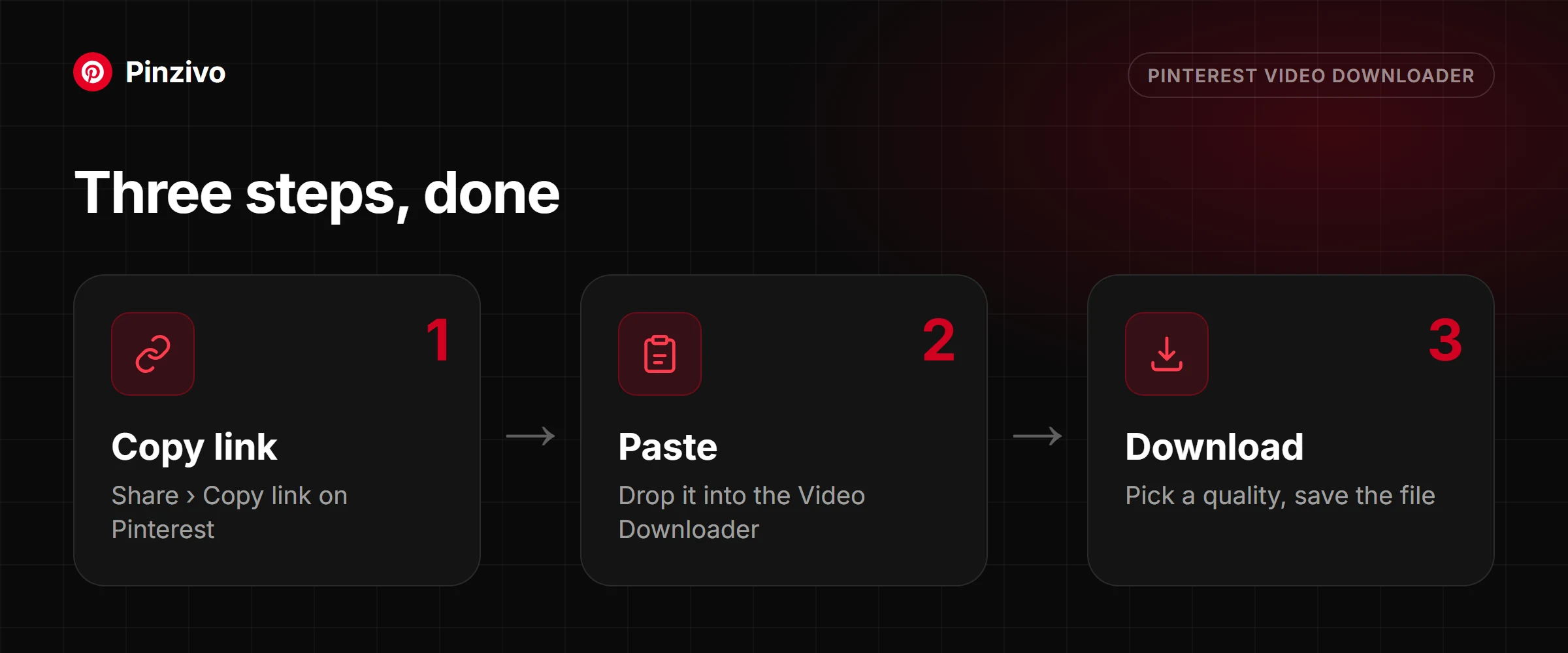
Every Pinzivo tool is free and works the same way: copy the link, paste it, download.
Paste any pin or board link. The tool detects the type and gives you the file.
Open tool →
Guides
Read more
Copy the link, paste it, pick a quality. Steps for iPhone, Android and PC, plus fixes when it fails.
Read guide →
Multi-slide pins are not one video file. Here is what they are and how to save every slide.
Read guide →
Pin, board, video, photo, GIF or multi-slide: how to tell what your link is and which tool to use.
Read guide →
Ready to save that video?
Scroll back up, paste the link, pick a quality, and you are done.