
Multi-slide · Slide by slide · Or all at once
Pinterest Reel Downloader
Multi-slide pins aren’t one video — they’re a stack of separate pieces. This pulls them apart properly, or hands you the whole set.
- Every slide
- Sequence intact
- Overlays rendered in
- Photo and video slides
Step by step
How to save a multi-slide Pinterest pin
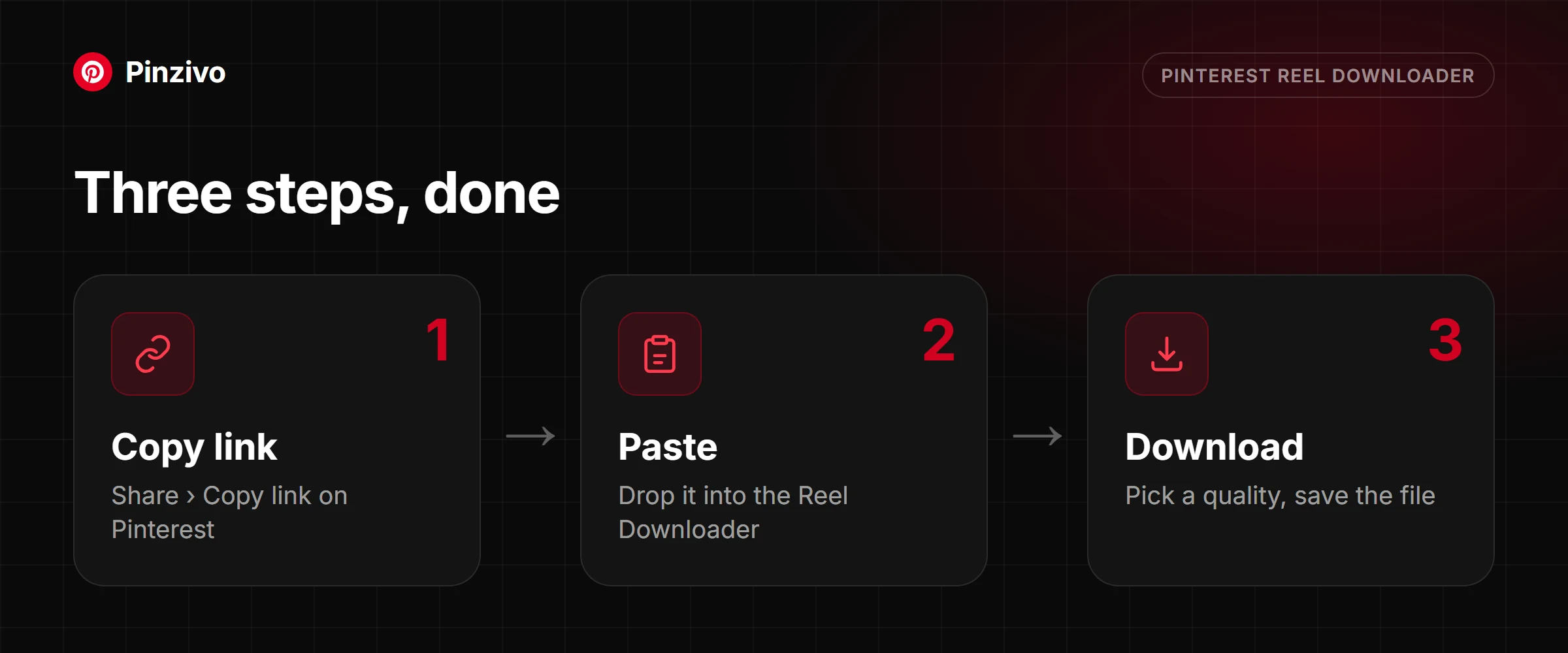
Copying the link is the same as any pin. What changes is what comes back — a set, not a file.
- Open the pin in the Pinterest app. If tapping the right edge jumps you forward instead of scrolling on, it’s a multi-slide pin and you’re in the right place.
- Tap the three-dot icon and choose Copy link.
- Paste it above and tap Get slides. Each slide appears as its own entry with a thumbnail, numbered in running order.
- Tap a single slide to save just that one, or take the whole set. Individual saves go straight to Downloads; the full set arrives bundled.
- Open the pin and tap the share arrow, then Copy link.
- Paste into the box above in Safari and tap Get slides.
- Scroll the numbered list to confirm which slides you actually want — this is usually the point where you realise you only need two of the seven.
- Save them individually with press-and-hold → Download Linked File, or take the set as one bundle. Either way the files land in Files → Downloads, numbered so the order survives.
- Open the pin on pinterest.com. Multi-slide pins show navigation arrows or slide dots — that’s the tell.
- Copy the URL from the address bar and paste it above.
- Press Get slides. The full set lists out with each slide’s type shown, so you can see at a glance which are stills and which are video segments.
- Download individually or as a set. The numbering matches the running order in the pin, so reassembling the sequence later is straightforward.
What a multi-slide pin actually is
A pin that swipes instead of just sitting there or playing as one clip is a different kind of thing entirely, and it needs a different kind of downloader. Here is what that format actually is and why treating it like a normal video misses most of it.
The naming
Pinterest has called this format several things over the years — Story Pins, then Idea Pins, and "reel" has stuck as the casual term people search for even though it is not Pinterest's own word for it. All of them point at the same underlying thing: a pin built from more than one slide that a viewer moves through in sequence. The naming has shifted enough times that most people searching for a way to save one do not know which term to use, which is fine — this tool identifies the format itself rather than relying on what anyone calls it.
What it is structurally
A single-clip video pin is one file, start to finish. A multi-slide pin is not that — it is an ordered collection of separate assets, each one its own image or short clip, presented one after another as the viewer taps or swipes forward. Nothing stitches them into one continuous video file behind the scenes; the sequence exists only as an order Pinterest's player follows, not as a single piece of media.
Why that changes the download
This is exactly why pointing a normal video downloader at one of these pins gets you one slide — usually the first — and nothing else. There is no single file to hand over, because no single file exists; a tool built to fetch "the video" from a pin will find the first asset it recognises and stop there, leaving every other slide behind. This tool instead reads the pin's entire structure and pulls every slide it finds, in order.
Slide by slide versus all at once
Grabbing slides individually makes sense when only one or two actually matter — a single infographic slide out of a six-part series, say. Taking the whole sequence together makes more sense when the slides only make sense as a set, like a step-by-step tutorial or a before-and-after built across several images. Both options exist here because the right choice depends entirely on what the pin is for.
Text overlays, stickers and captions
Anything typed or stamped directly onto a slide in Pinterest's own editor — captions, stickers, drawn annotations — is baked into that slide's image data and comes down with it automatically, because it was never a separate layer to begin with. Anything Pinterest displays around the pin instead — the pinner's username, a title field, a linked website — lives in the page, not the image, and does not travel with a downloaded slide.
Audio on multi-slide pins
Sound on these pins does not belong to any one slide the way it belongs to a normal video — it runs underneath the whole sequence as the viewer moves through it, closer to a soundtrack than dialogue tied to a specific frame. Because of that, audio is handled at the sequence level rather than attached to each individual slide file.
How to identify one before you paste
The giveaways are visible before you even leave Pinterest: a row of small dots along the bottom or side of the pin marking multiple slides, a tap-to-advance interaction instead of a normal play button, or a thin progress bar that resets and refills as it moves between slides. Any one of those means the link belongs here rather than at the single-clip video tool.
Not every animated-looking pin is multi-slide, either — a short looping clip with no slide markers is more likely a job for the GIF Downloader, and a pin that plays start to finish as one continuous clip belongs with the Video Downloader instead.
What you get
The whole sequence, not just the cover
Every slide found
The full set is listed and numbered, including the ones buried near the end that most tools stop before reaching.
Take one or take all
Grab a single frame you want to reuse, or the complete set when you’re archiving a tutorial you’ll want to follow later.
Running order preserved
Files come out numbered in playback order, so a seven-step recipe is still a seven-step recipe once it’s on your drive.
Overlays come through
On-slide text, captions and stickers are part of the rendered visual, so instructions written across a slide arrive with it.
Stills and clips both handled
Video slides are listed with a quality choice each. A still slide can be saved at full size with the Photo Downloader.
Audio kept where it exists
When a sound track runs across the sequence, it comes with the download rather than being quietly dropped.
Not actually a multi-slide pin?
Short, silent, and looping back to the start on its own? That’s an animated pin, not a reel, and the GIF tool is the one that keeps the loop.
Open the GIF downloader →
One continuous clip with no slides to advance through is a plain video pin — send it to the video tool and pick your resolution there.
Open the video downloader →
FAQ
Multi-slide pin questions
What exactly is a Pinterest reel?
An ordered set of separate slides that the app plays back in sequence, rather than a single continuous video. Pinterest has called the format Idea Pins and story pins at different times; structurally they are the same thing, and this tool handles all of them.
Do I get one file per slide or a single combined file?
Whichever you choose. Each slide is listed separately so you can take just the one you need, or take the complete set in one go. There is no forced merge into a single video.
Why does a reel download differently from an ordinary video pin?
Because there is no single file on the server to hand over. A normal video pin points at one stored file; a multi-slide pin points at a manifest describing several assets and the order to play them in. That structural difference is why general-purpose video downloaders typically return only the first slide, or nothing at all.
Does the text written across each slide come through?
Yes, when it’s part of the rendered slide, which is the usual case — instructions, step numbers and captions arrive baked into the visual exactly as they appear. What you cannot get is that text as separate, editable data, because it isn’t stored that way by the time it’s served.
Does the background music get included?
If the pin has an audio track, it downloads with it. On multi-slide pins the sound usually runs across the whole sequence rather than belonging to any one slide, so taking a single slide out of the middle may give you a fragment of the track or none of it.
What if the pin mixes photo slides and video slides?
The moving segments are listed as video slides with a quality choice. For a still slide, paste the same link into the Photo Downloader to get the image at full size.
My link opens as a normal video, not a set of slides. What now?
Then it is a normal video pin, and the Video Downloader is the right tool. The quickest check is on the pin itself: if there are no slide dots and tapping the edge doesn’t advance anything, there is only one slide.
Can I download a reel from an account I don’t follow?
Yes. Following has no effect either way. The only thing that matters is whether the pin is public — anything on a private profile is out of reach.
Other tools
Need a different kind of pin?
Every Pinzivo tool is free and works the same way: copy the link, paste it, download.
Paste any pin or board link. The tool detects the type and gives you the file.
Open tool →
Guides
Read more
Multi-slide pins are not one video file. Here is what they are and how to save every slide.
Read guide →
Copy the link, paste it, pick a quality. Steps for iPhone, Android and PC, plus fixes when it fails.
Read guide →
Pin, board, video, photo, GIF or multi-slide: how to tell what your link is and which tool to use.
Read guide →