
Most people stumble upon a brilliant DIY hack or a creative tutorial on Pinterest and immediately wish they could keep it — not just save it to a board, but truly own it offline. That's exactly the gap this tool fills.
What makes a Pinterest reel downloader genuinely useful isn't just raw speed — it's the promise of zero friction. No apps to install, no signup required, no hidden barriers. Just a web browser, your URL, and a clean, efficient path to getting what you actually came for.
The platform itself wasn't originally built with downloading in mind. Idea Pins and short video clips were designed for viewing, not saving to local storage. This tool exists precisely because that gap is real.
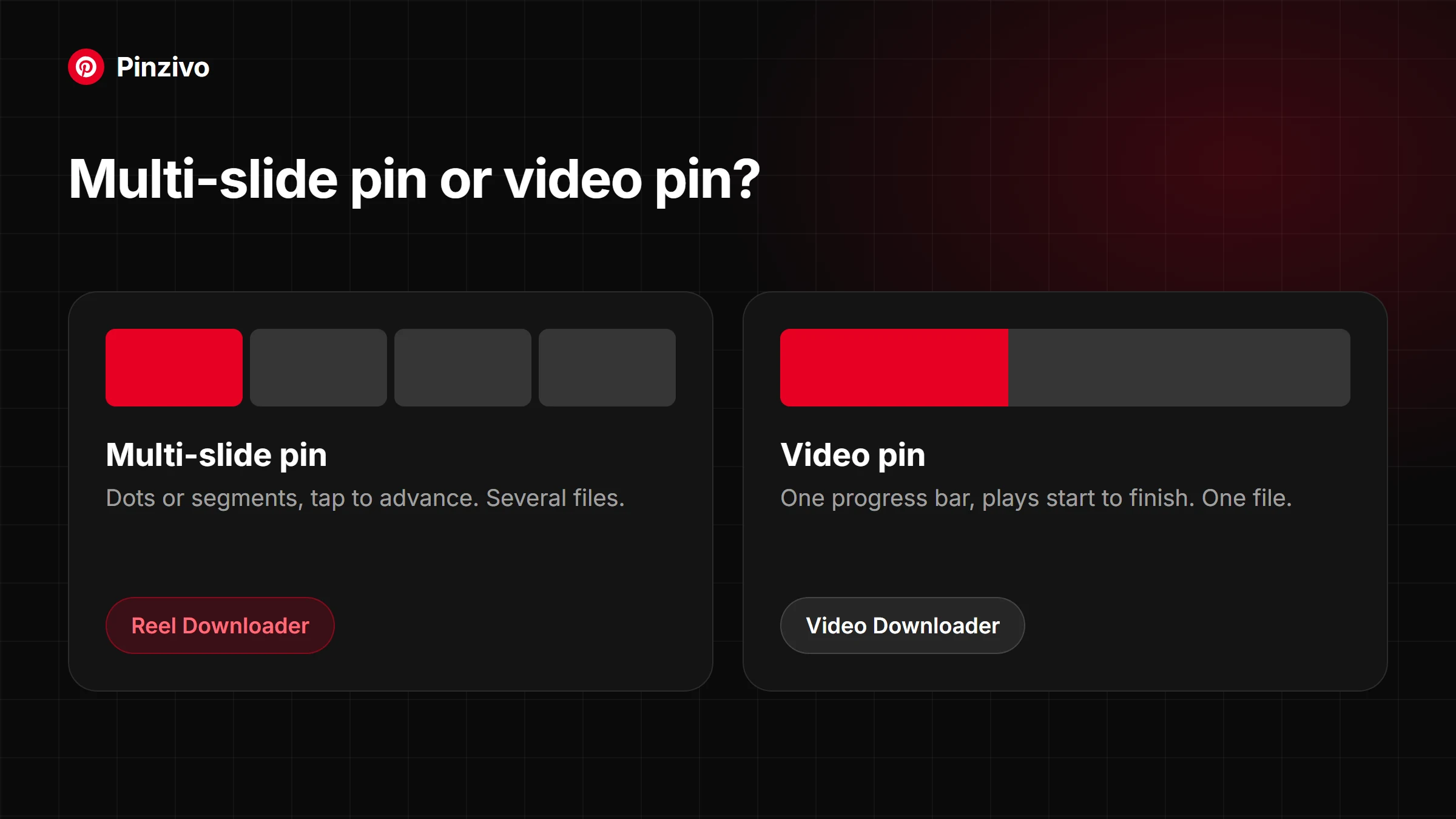
How Multi-Slide Pinterest Pins Actually Work
Pinterest reels are short, vertical video content pieces built into the platform, designed to deliver high-quality motion ideas — from cooking recipe clips to wedding photos and funny animations — in a visually immersive format.
Unlike static idea pins, reels carry exciting motion context, letting creators share energetic clips in seconds, making the experience far richer than scrolling through ordinary image-based boards.
Some pins aren't one image or clip but several, stitched together so you swipe through them like a mini slideshow. Pinterest stores each slide separately even though the swipe makes it feel like one video — which is exactly why this tool pulls every slide out on its own, or lets you grab them together.
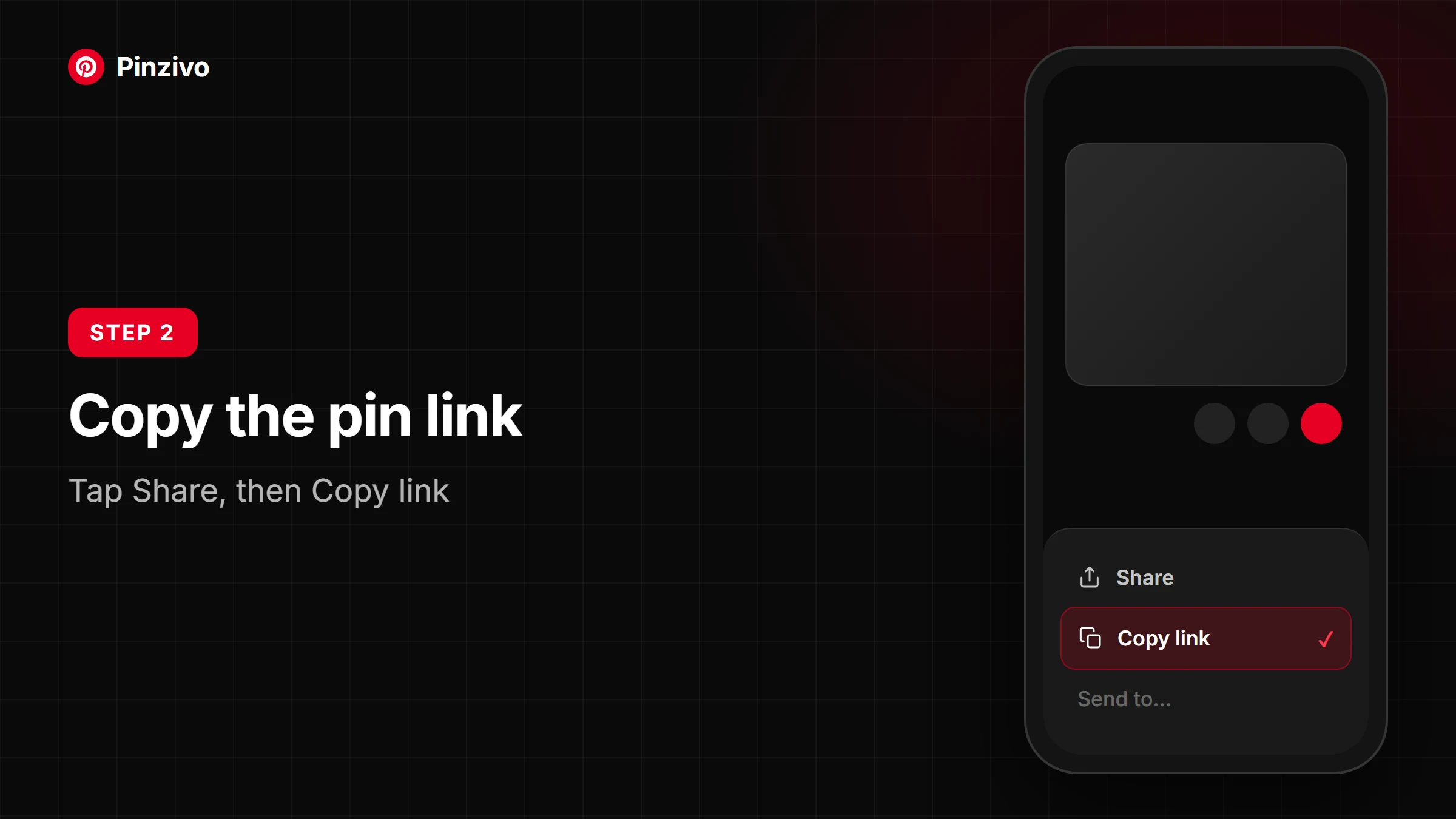
How to Download Pinterest Reels
Step 1 — Copy the reel link. Open Pinterest and find the reel you want to download. Tap the share icon, then select Copy Link. This grabs the URL directly from the app, whether you're on Android, iPhone, or any browser.
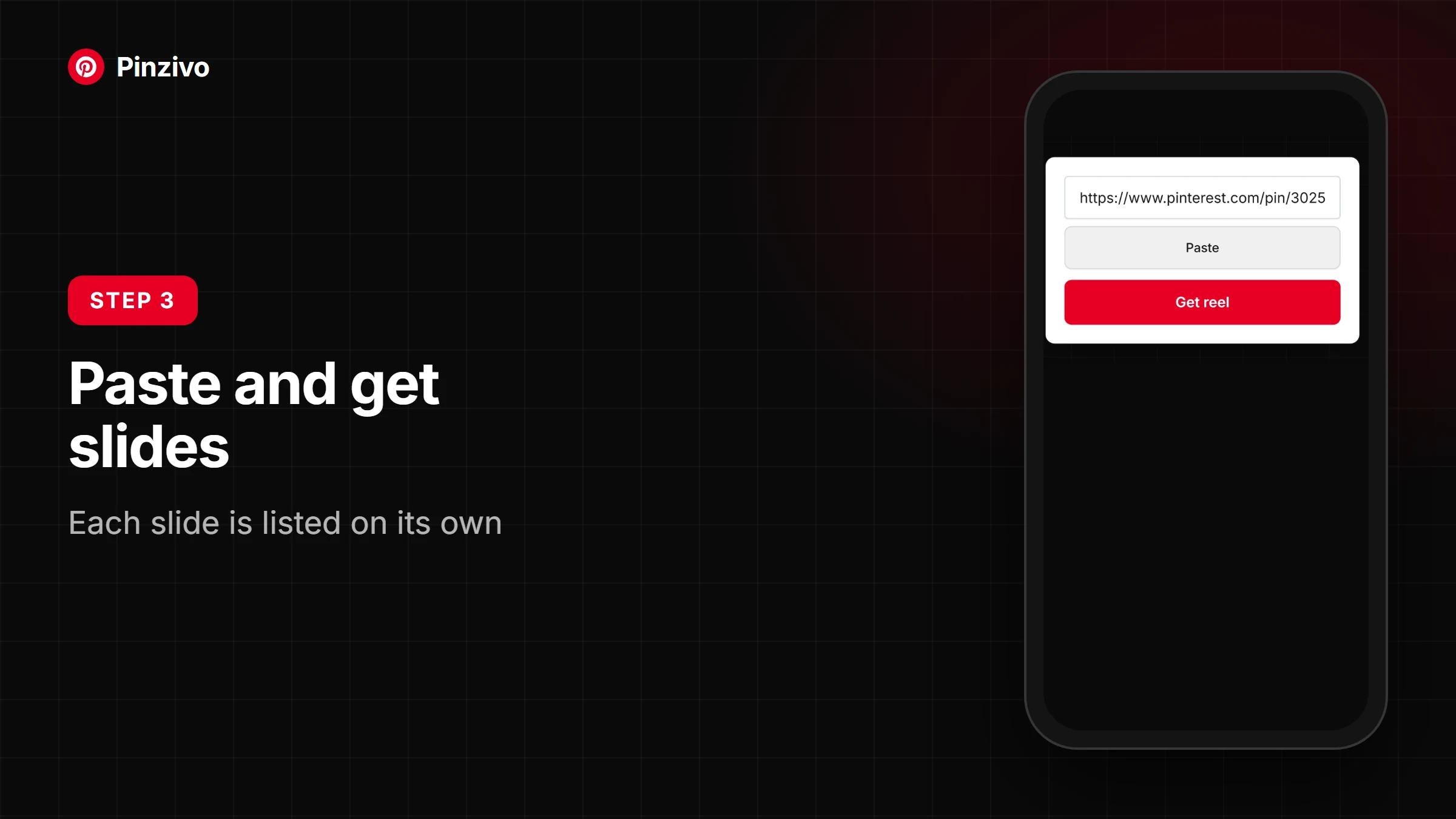
Step 2 — Paste into the downloader. Visit our downloader site and locate the paste box. Drop the copied link inside and hit Download. The processing begins instantly — no installation, no signup.
Step 3 — Save the video. Your MP4 is ready in seconds. Click save and it lands straight into your Downloads folder or Photos.
How to Download on Any Device
Android: Open Pinterest, find your reel, tap the share icon, and copy the link. Paste it into the downloader, hit download, and save the video directly to your Android gallery.
iPhone (iOS): Use Safari to open the downloader website. Copy the Pinterest reel URL from the app share menu, paste it into the input box, tap download, and save to your iOS Files or Photos.
Desktop: Open any browser — Windows, Mac, or Linux. Copy the Pinterest pin video link, paste it into the tool, choose your preferred resolution, and save the MP4 to your computer.
Why Use Our Pinterest Reel Downloader
Instant processing — paste your Pinterest link and the tool reacts within seconds, no buffering or delays.
Zero watermark — we pull directly from Pinterest's servers, retrieving the original file before any branding layer touches it.
HD MP4 quality — every clip downloads preserving the exact resolution the uploader intended, up to 1080p or 720p depending on the CDN.
Unlimited saving — no daily caps, no throttling. Save as many reels as your project needs.
No installation — this tool runs in any browser, no software, no permissions, no cluttered downloads folder.
Completely free — no subscription, no hidden charge, no trial wall, permanently.
Choice of download quality — where CDN delivery supports it, choose between 4K, 1080p, or 720p based on what the uploader provided.
Multiple format options — video slides arrive as MP4; for a still slide use the Photo Downloader (JPG or PNG), and for looping pins the GIF Downloader (GIF files).
Full mobile support — works across Android, iOS, or a tablet, in Chrome, Safari, or Firefox.
Safe, secure, and private — no login, no credentials, cookies only with your consent, and your personal information is never collected by the tool.
Download Pinterest Reels Without a Watermark
When you download content from Pinterest, most tools slap branding directly onto your saved clip. This tool pulls from original servers, delivering the stream exactly as creators upload it — zero visible branding, no overlays, no burned-in logos.
Is It Safe?
Your personal data stays completely protected when using this Pinterest reel downloader. No login, no signup, no software installation touches your device. This tool never stores, tracks, or shares anything — your downloads remain entirely private.
Legal & Technical Notice
Every Pinterest reel you download exists within a rights framework. Content created by others carries ownership, and using a tool to save it for personal reference differs legally from redistributing or monetizing that video without permission.
This downloader accesses only public media through standard servers, retrieving nothing beyond what your browser already loads. No software is injected and no tracking of your downloads occurs.