
Whole boards · One ZIP · No pin-by-pin
Pinterest Board Downloader
Point it at a board and get every pin in it back as a single ZIP file — no opening pins one at a time for an hour.
- Entire boards
- Single ZIP
- Pin count shown first
- Order preserved
Step by step
How to download an entire Pinterest board
The link you need here is different from the other tools: it’s the board’s address, not any individual pin’s.
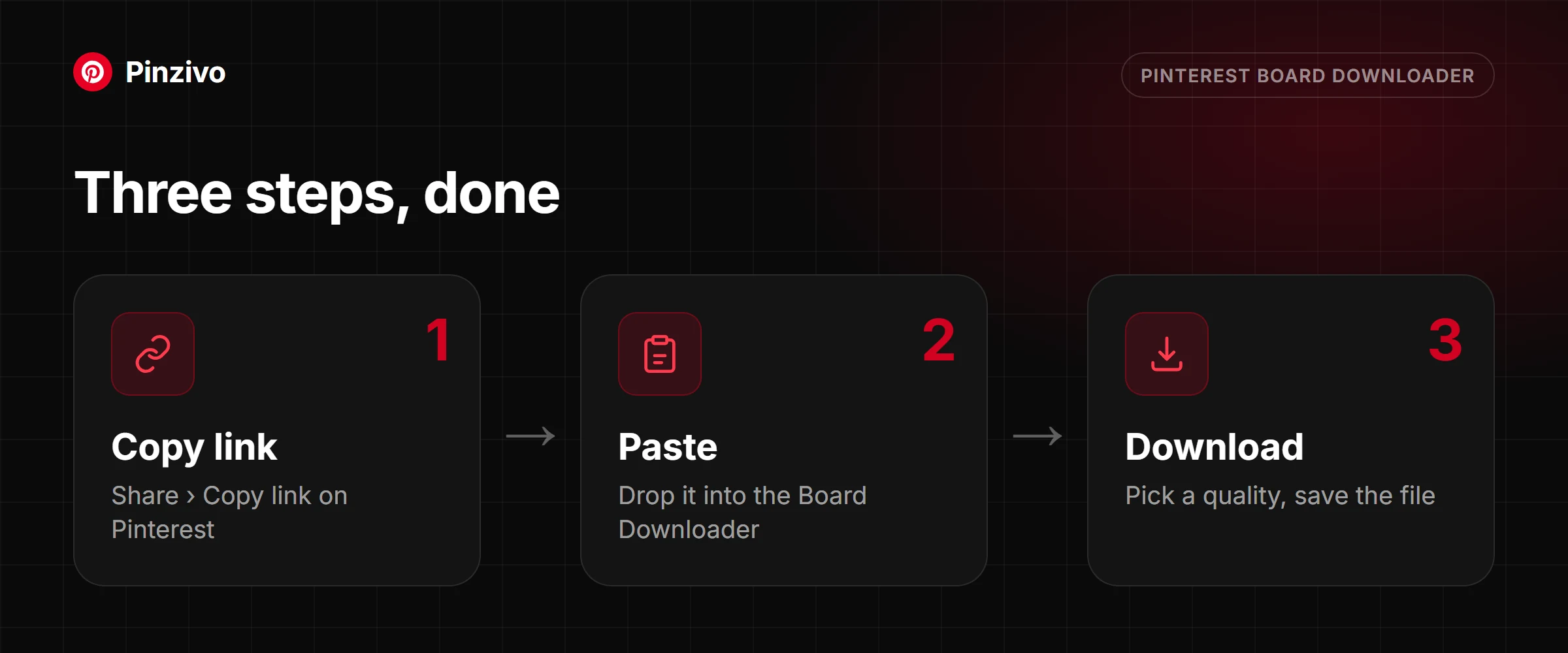
- In the Pinterest app, open your profile or the profile you’re browsing, and tap the board itself — not a pin inside it.
- Tap the three-dot icon on the board page and choose Copy link. The address should end in a board name, something like
/username/kitchen-ideas/. If it contains/pin/, you’ve copied a pin and it won’t work here. - Paste it above and tap Get board. Give it a moment — the tool has to walk the whole board before it can tell you how many pins it found.
- Confirm the count looks right, then download. A large ZIP is worth starting on Wi-Fi.
- Open the board in the Pinterest app, tap the three-dot icon at the top, then Copy link.
- Paste it into the box above in Safari and tap Get board.
- Safari will ask permission before downloading a ZIP — tap Download when the prompt appears. This prompt is normal and only shows for archive files.
- The ZIP saves to Files → Downloads. Tap it once and iOS unpacks it into a folder of the same name in place. There is nothing to install to open it.
- Open the board on pinterest.com and copy the URL from the address bar — it will be
pinterest.com/then the username, then the board name. - Paste it above and press Get board.
- You’ll see how many pins were found before anything downloads. This is the moment to check you grabbed the right board, especially if you have several with similar names.
- Download the ZIP and unpack it. Windows and macOS both open ZIPs natively — right-click and choose Extract All, or double-click on a Mac.
Backing up a board properly
Saving one pin and saving a whole board are different jobs with different stakes. Here is what actually happens when this tool bundles a board into a single file, and what to know before you start.
Why anyone bulk-downloads a board
The usual reasons are practical rather than sentimental. A mood board built for a client project needs archiving once the project ends, because the client's Pinterest access does not last forever. Research pinned over months of planning — a wedding, a renovation, a wardrobe — is worth keeping outside a platform you do not control. And pinners delete boards, go private, or close accounts without warning, so anything you actually care about is one setting change away from disappearing.
What a ZIP actually is
A ZIP is a single file that holds many files inside it, compressed together and unpacked with one double-click on any modern computer or phone. The point is not the compression — photos barely shrink further once Pinterest has already compressed them — it is the bundling. Downloading two hundred pins one at a time means two hundred separate save prompts; downloading them as one ZIP means one.
Reading the file listing
Each image inside the archive is named after the pin it came from, and the files land in the same order the board displays them in, so unpacking the ZIP reproduces the board's layout as a folder of numbered files rather than a jumble. If two pins would otherwise share a filename, a number gets appended to the second one automatically, so nothing in the archive silently overwrites anything else.
Large boards
Boards running into the hundreds of pins take longer to package simply because every image has to be fetched before it can be zipped, and very large boards may need the process run in more than one pass. As a rule of thumb, expect roughly a second or two of processing per pin — a fifty-pin board finishes quickly, a five-hundred-pin one takes a genuine few minutes. The tool keeps working in the background rather than timing out partway through.
Mixed media
A typical board is not all photos. Video pins and multi-slide pins mixed into a board are included in the archive as their cover image, so nothing is silently dropped just because it is not a photo. To save the video itself, open that pin in the Video Downloader.
Sections
Pinterest lets a pinner split a board into named sections, and each section has its own address under the board's. Pasting the board's main link pulls the pins shown on the board itself; if a section's pins are missing, open that section on Pinterest, copy its link and paste that instead.
Organising the archive afterwards
Unpack the ZIP straight away rather than leaving it sitting as an archive — a folder of files is easier to search, preview and reuse than a compressed file you have to reopen every time. Rename the folder with the board name and the date you pulled it, and put it somewhere you will actually look again, whether that is cloud storage or an external drive. A board saved once and never organised is barely better than not having saved it.
A board is only worth zipping if what is on it is worth keeping in the first place — for a single pin, the Video Downloader or the Photo Downloader gets there faster than pulling an entire board for one image.
What you get
Made for the boards that are too big to do by hand
One ZIP, one click
Up to 50 pins arrive as a single archive. One download to start, one file to move, one folder when you unpack it; the grid below lists every pin for larger boards.
Built for hundreds of pins
Boards that would take an afternoon pin by pin are read in one pass, with the count shown before anything transfers; the first 50 go into the ZIP and the rest can be saved from the grid.
Full-size images
Every pin comes through as the largest image Pinterest stores. Video pins arrive as their cover image; open the pin in the Video Downloader for the MP4.
Predictable file names
Files come out named and ordered so the archive still makes sense six months later, rather than as two hundred random strings.
Count confirmed up front
You see how many pins were found before you commit the bandwidth, which catches the wrong-board mistake before it costs you anything.
Nothing kept afterwards
The archive is assembled for your request and discarded. We don’t keep a copy of anyone’s board on our side.
Only after one pin?
Just one clip out of the board, and you want to choose the resolution yourself? The video tool gives you the quality picker this one skips.
Open the video downloader →
For a single still at full size, going direct is quicker than zipping a board and hunting through the folder for one file.
Open the photo downloader →
FAQ
Board download questions
How many pins can I pull from one board?
The tool lists every pin it finds; the ZIP contains the first 50, and the rest can be saved one by one from the grid. Very large boards take proportionally longer, since every pin has to be resolved individually before the archive can be assembled. The pin count appears before the download starts, so you always know what you’re in for.
What’s inside the ZIP, and how are the files named?
One file per pin, in board order, with sequential names so the sequence survives unpacking. Extensions match the actual content, so you can sort the folder by type and immediately see what you got.
How long does a big board take?
Roughly proportional to the pin count — the work is fetching each pin, not the zipping. A board of fifty is quick; several hundred is a coffee. Keep the tab open while it runs, and start it on Wi-Fi if the board is media-heavy.
Can I download just one section of a board?
Copy the section’s own URL rather than the board’s. Pinterest gives sections their own addresses, and pasting that address scopes the download to just that section. If you paste the parent board URL, you get everything.
Can I download someone else’s board or only my own?
Anyone’s, as long as it’s public. Ownership makes no difference — visibility does. Secret boards and boards on private profiles return nothing, including your own secret boards, because there’s no login step here.
What happens to video pins inside a board?
They come through as their cover image alongside the other images, in the same archive. To save the video file itself, open that pin in the Video Downloader.
Will I get duplicates if the same pin was saved twice?
Yes — if the board genuinely contains the same image saved as two separate pins, both are downloaded, because to the board they are two distinct entries. Deduplicating after unpacking is a two-minute job with any file manager that can sort by size.
My download stopped partway. Do I have to start over?
Re-run the same board URL. Nothing is stored between attempts, so the process restarts cleanly rather than resuming a broken archive — which is the safer behaviour, since a half-written ZIP is often unreadable anyway.
Other tools
Need a different kind of pin?
Every Pinzivo tool is free and works the same way: copy the link, paste it, download.
Paste any pin or board link. The tool detects the type and gives you the file.
Open tool →
Guides
Read more
Save every pin from a board in one go, what the ZIP contains, and how large boards work.
Read guide →
Why right-click gives you a small preview, and how to get the original file instead.
Read guide →
Pin, board, video, photo, GIF or multi-slide: how to tell what your link is and which tool to use.
Read guide →
Ready to save the whole board?
Scroll back up, paste the board link, and get every pin in one go.