
Saving content from Pinterest used to mean screenshotting blurry images or manually recording videos — a frustratingly hectic process that wasted more time than the content was worth. A dedicated Pinterest downloader changed that entirely.
What makes this tool genuinely different is how it handles quality. Whether you're pulling Full HD, 2K, or 4K MP4 files, the original resolution stays intact — no compression, no re-compression, nothing stripped from what the creator actually uploaded.
The free access model surprised me initially. Most online tools quietly push payment walls or hidden fees after a few uses. Here, unlimited downloads run without registration or login — just paste, click, and save directly to your device.
Beyond videos, it handles reels, GIFs, and standard Pins equally well. Content creators and marketers especially benefit — building a creative library of reference materials becomes something you can do fast, secure, and without disrupting your workflow.
Why Choose Pinzivo
Most pinterest download tools promise everything but deliver frustration. What separates a reliable downloader from the rest isn't flashy design — it's how consistently it handles public pins across mobile, desktop, and every browser in between.
The moment you copy a pin URL and paste it into the input box, our tool fetches the file directly from CDN servers — no lag, no re-compression, delivering pure original quality at Full HD, 2K, or 4K instantly.
Watermark-free downloads mean your saved content stays clean — exactly as the creator uploaded it. Whether you're grabbing MP4 videos, JPG images, or animated GIFs, every format is processed with real-time fetching for the highest resolution available.
No registration, no login, no personal information collected — just a fast, secure, privacy-first experience. Our HTTPS-protected website runs without malware or hidden scripts, making every download responsible, safe, and completely free.
How to Download From Pinterest (Steps)
Downloading anything from Pinterest — a video, a photo, a board, or a GIF — takes under a minute once you know the process. Most people overcomplicate it, but the workflow is remarkably direct — no software installation, no account needed, just a browser and a working internet connection.
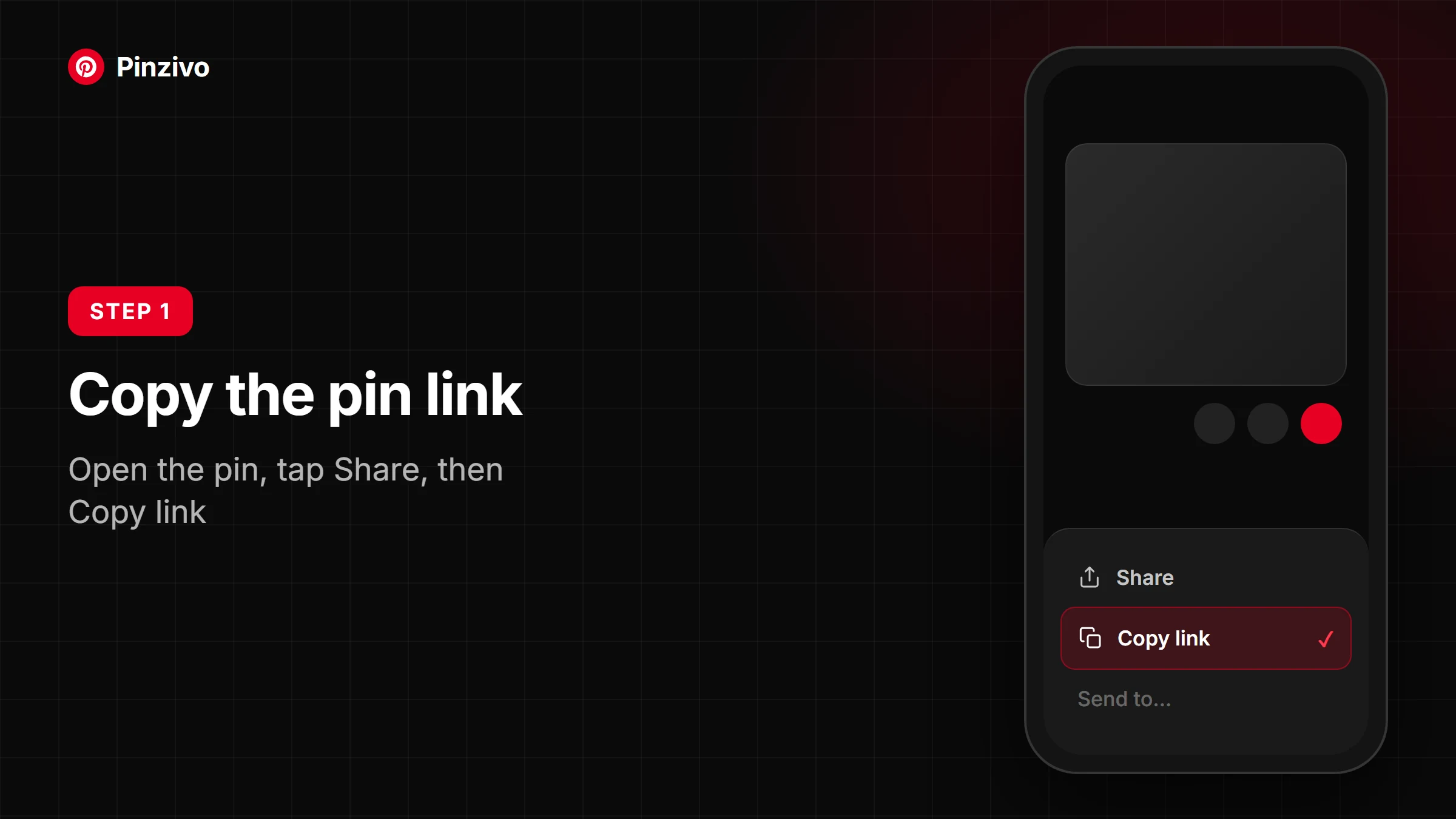
Start by opening the Pinterest pin you want to save. Tap the share icon, then copy the public link from your mobile or desktop. That URL is the only thing the downloader needs to begin processing your request and fetch the media.
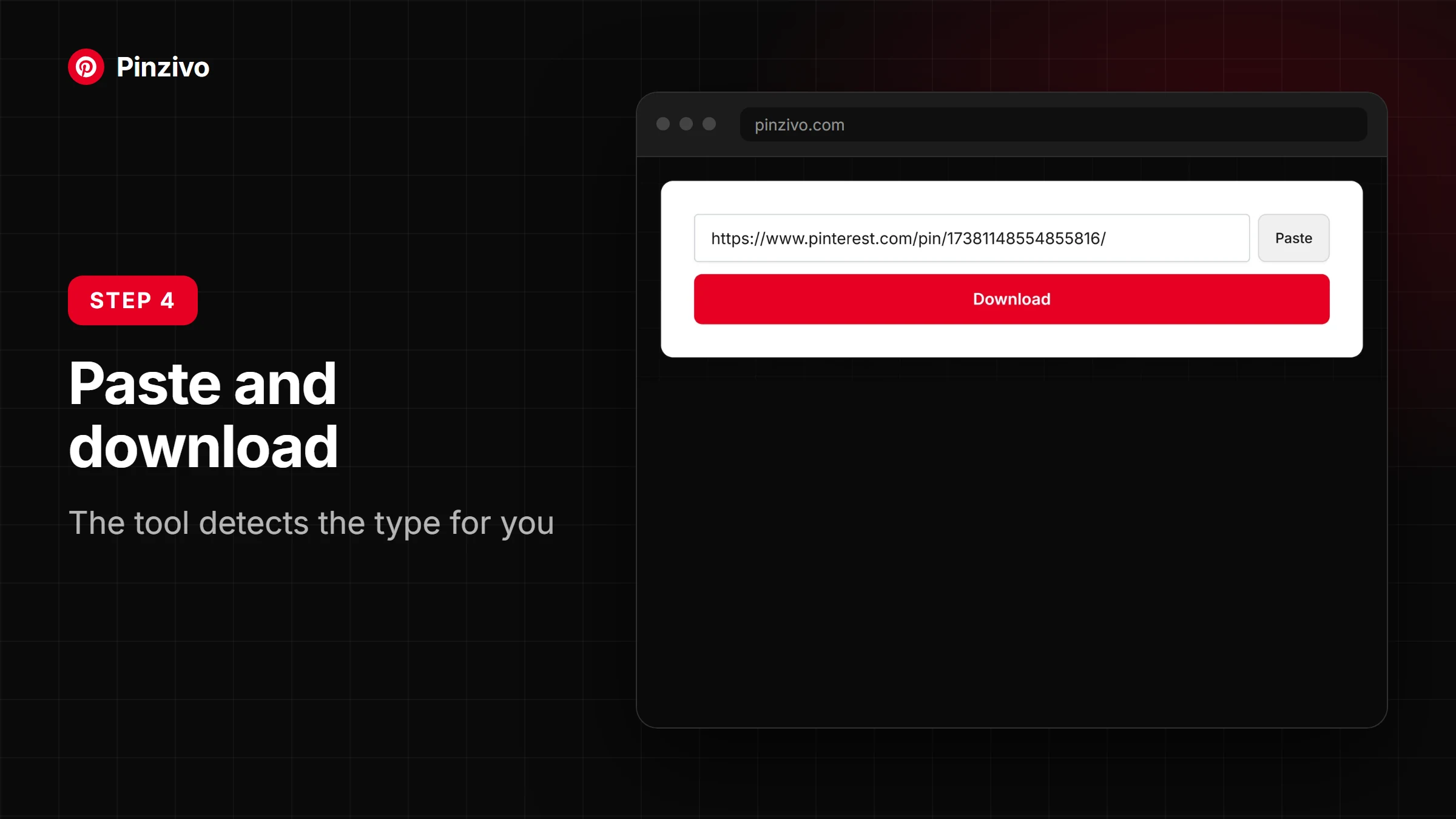
Paste the copied link into the input box on this page, then click the download button. Within seconds, the tool displays available formats — MP4 for video, JPG for images, or GIF — letting you choose your preferred quality before saving.
Once you press the option that fits — HD, 1080p, or even 4K — the file lands in your device's downloads folder permanently. On iPhone, hit Save to Files; on Android, it goes straight to your gallery.
What Is a Pinterest Downloader?
A Pinterest downloader is a browser-based tool that lets you save publicly accessible content — videos, images, and GIFs — directly to your device without any software installation or technical knowledge required.
Most people don't realize that Pinterest functions as a rich media library. A free online downloader lets you copy a pin URL, paste it, and pull HD or 4K MP4 files instantly to your phone, tablet, or PC.
What separates a reliable downloader from the rest is fast, secure servers that fetch real-time CDN links — delivering Full HD quality without watermarks, re-compression, or any hidden ads degrading your saved resolution.
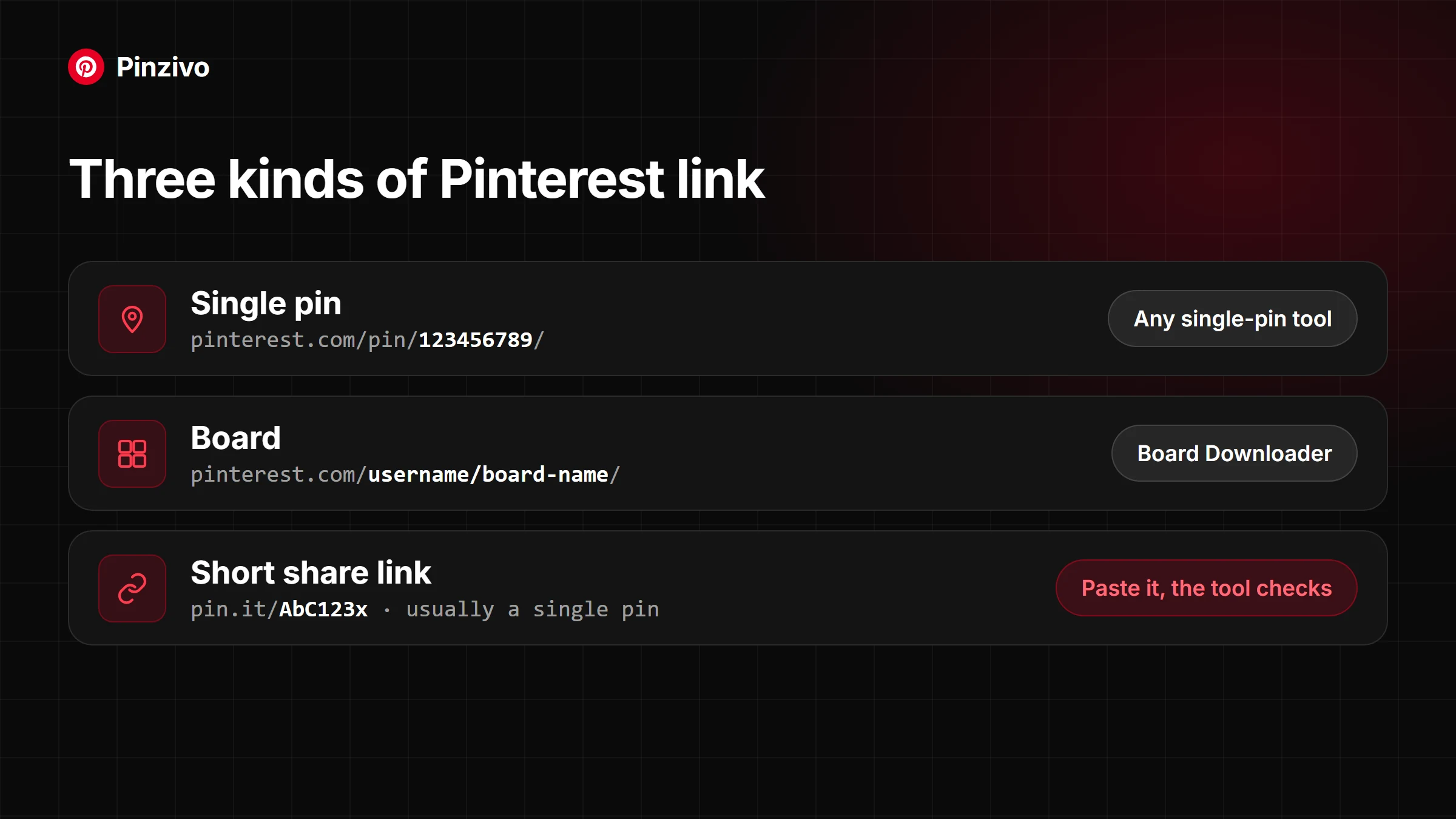
Beyond videos, a capable tool handles Idea Pins, carousels, boards, GIF format, JPG, and PNG — making it genuinely flexible for content creators building inspiration libraries or mood boards efficiently.
Top Features of Pinzivo's Pinterest Downloader
Forget complicated setups — this tool handles Pinterest downloads in seconds. Whether you need MP4, HD, 1080p, or 4K files, the quality output stays sharp, clean, and completely watermark-free every single time.
Most online browser-based tools break under pressure, but real fast, secure downloading happens here even during peak hours. No software installation, no registration — just drop the link and hit download instantly.
Supporting images, GIFs, reels, carousels, and Idea Pins, this tool covers nearly every format Pinterest publicly serves. From JPEG, PNG, WebP to animated content, original resolution is preserved without compression or quality loss.
Mobile and desktop users — Android, iOS, iPhone, iPad, Windows, Mac — all get the same smooth, compatible, clean interface. No extension required, no APK needed, just your browser and a public URL.
Supported Formats & Quality
Videos — Downloaded pinterest videos are saved in MP4 format with HD quality options including 720p, 1080p, and 4K resolution. Files come directly from CDN servers, preserving original creator-uploaded clarity without any watermark, re-compression, or quality loss.
Images — Pinterest images download as JPG or PNG files, maintaining pure original resolution from SD up to 2K. The real-time fetching system avoids stale cached versions, delivering clean, creator-uploaded files free from ads or branding overlays.
GIFs — Animated content is saved as a looping file that keeps its motion and quality intact. Whether embedded in carousels, stories, or Idea Pins, each file is fetched from CDN servers without watermarks or additional compression applied.
What Else Can You Download?
Beyond videos, this tool handles media across multiple formats — images, GIFs, stories, carousels, and boards. Each publicly saved pin delivers original resolution without re-compression, keeping downloads clean and format-intact.
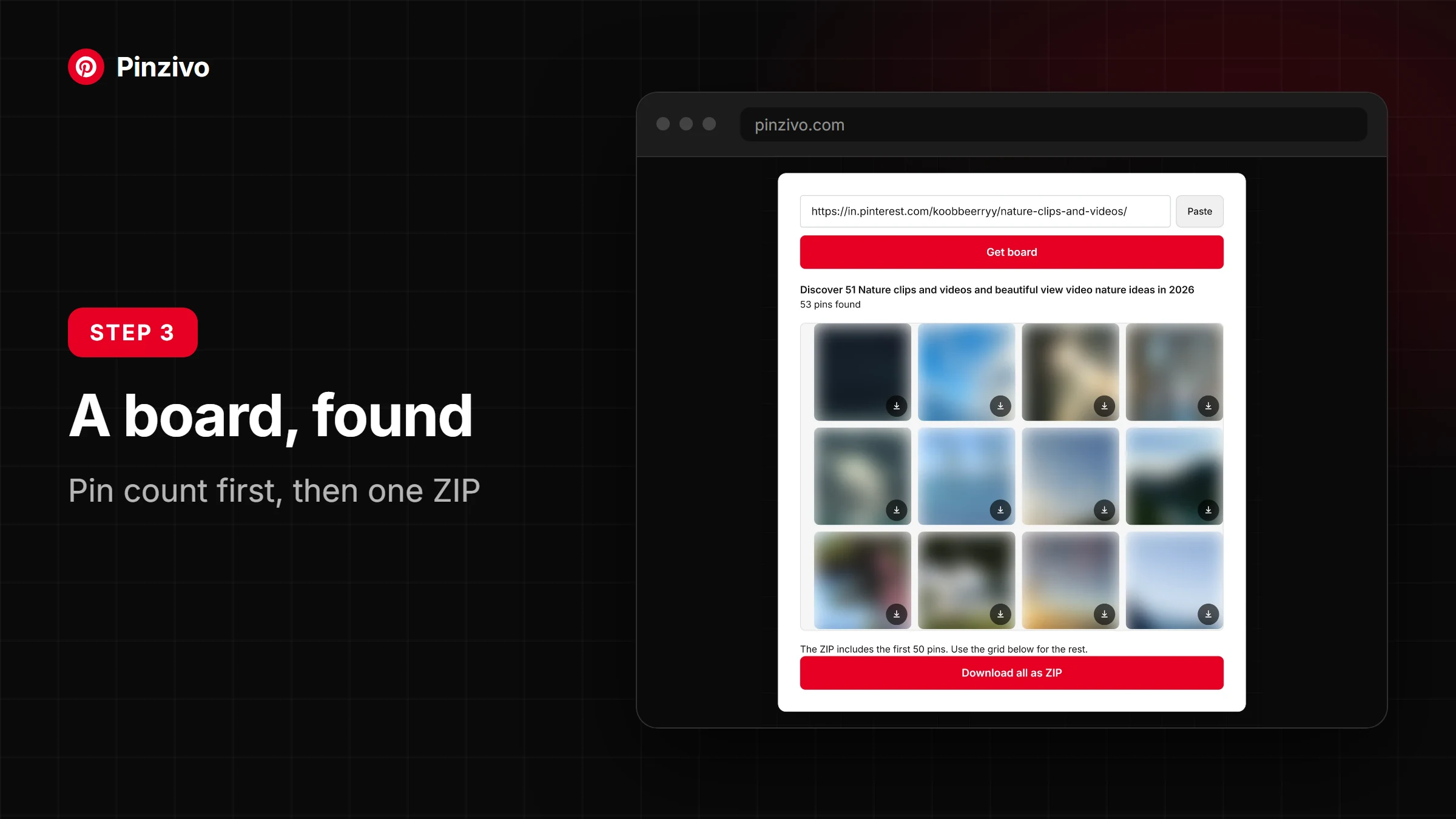
Idea pins, profiles, and board collections are equally supported. Whether pulling JPEG, PNG, or WebP files, the downloader fetches source quality — full animation preserved for GIFs, no compression applied to high-resolution assets.
Does It Work on Mobile?
Absolutely — and this is where most users are surprised. The tool runs entirely in your mobile browser, meaning no app installation is required. Just open it, and you're ready to go on phones or tablets.
Whether you're on Android, iOS, Windows, or a Mac, the interface adapts cleanly. Laptops, PCs, and even older devices handle it without friction — the experience stays consistent across every screen size you throw at it.
Is It Safe to Use?
Using a Pinterest downloader raises valid safety questions. Reputable tools operate without requesting your personal account information, email, or login credentials — your privacy remains fully intact throughout the entire process.
The tool itself collects no data beyond anonymous analytics like browser type and page views. No media files are stored on external website servers, meaning your downloads go directly to your device without third-party interference.
Responsible Use and Creator Rights
Every piece of content pinned on Pinterest belongs to someone — a creator, a brand, or an artist. Downloading media for personal study differs vastly from republishing without copyright acknowledgment or intellectual credit given.
Publicly shared pins aren't automatically copyright-free. Even public domain content carries Terms of Service obligations. Treating downloaded media responsibly means respecting property rights before repurposing anything beyond private, offline use.
Smart practitioners understand that legally saving content doesn't grant redistribution rights. The authorized boundary sits firmly at personal consumption. Crossing it — even unintentionally — puts both creators and downloaded content consumers into murky intellectual territory.
Legal & Technical Notice
This tool accesses only publicly accessible URLs. Private, login-only, restricted, or invitation board-collaboration links fall outside reachable access — their controls and permissions exist precisely to protect sensitive, non-public material.
No personal data is collected or stored — no name, email, personal details, account information, or media files. Website statistics like page views, analytics, browser type, and basic privacy web security logs exist solely for operational integrity.
Downloads remain clean of added branding. The tool never strips existing rights notices or attribution protections from public pins — whatever media appears on a specific public pin page is delivered in original quality without modification.
Perfect for Content Creators
Content creators constantly hunt for inspiration across platforms. Pinterest holds recipes, DIY, fashion, tutorials, and motivational content that fuels creative pipelines. Saving that media quickly means staying ahead without disrupting your digital workflow or losing momentum.
Repurposing favorite pins for assignments, design projects, or home decor concepts becomes genuinely hassle-free. A stable internet connection and one simple paste is all it takes — no complicated steps, no wasted creative energy.