
Full size · Original format · No re-compression
Pinterest Photo Downloader
Get the image the pinner actually uploaded — not the shrunken copy your browser hands you when you right-click and save.
- Originals, not thumbnails
- JPG, PNG or WebP kept
- Nothing re-compressed
- Tall pins stay whole
Step by step
How to save a Pinterest image at full size
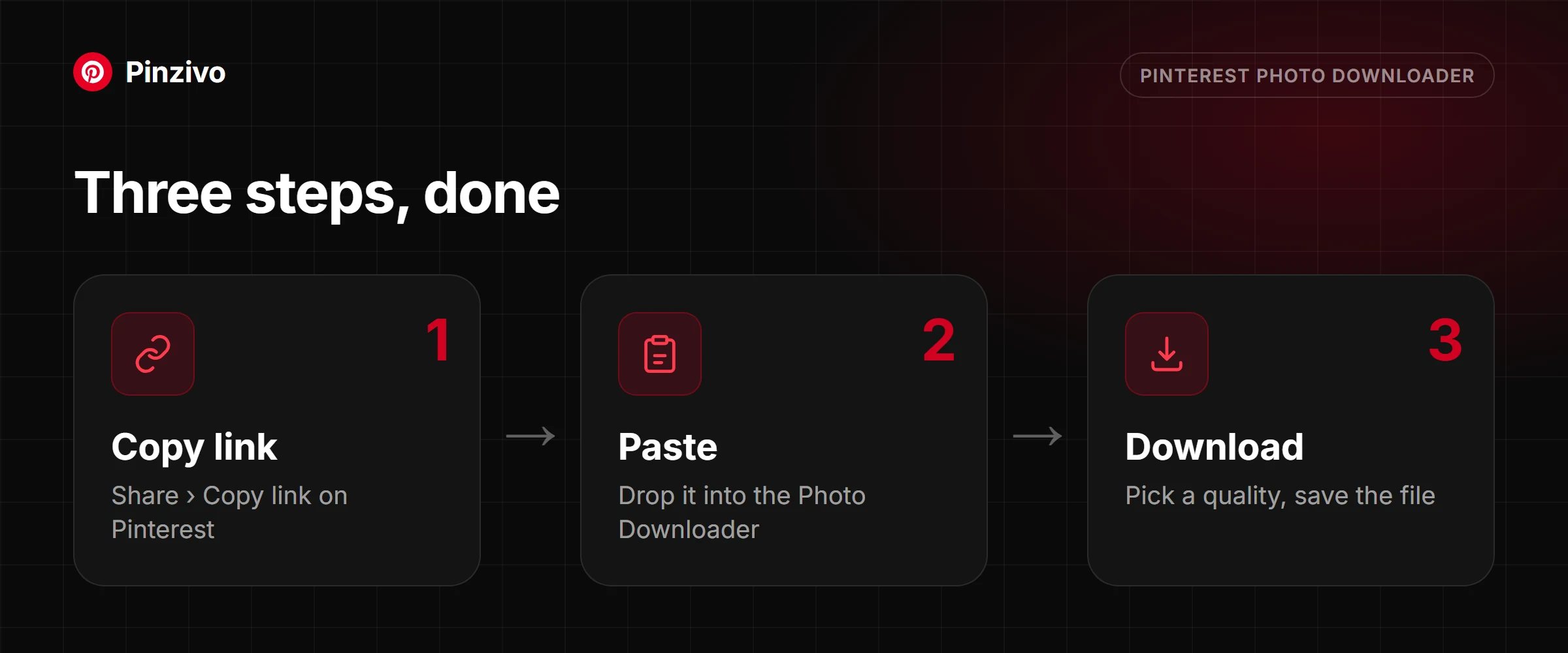
Same idea on every device: get the pin’s address, not the image itself. That single distinction is what gets you the original.
- In the Pinterest app, open the image pin so it fills the screen.
- Tap the three-dot icon, then Copy link. Resist the app’s own Download option — it saves the display-sized copy, which is exactly the problem this tool exists to solve.
- In your browser, paste the link into the box above and tap Get photo.
- The full-resolution file downloads to your Downloads folder. Compare the dimensions against what the app gave you and the difference is usually obvious.
- Open the pin in the Pinterest app.
- Tap the share arrow and choose Copy link. Do not use Save image — iOS saves whatever resolution was on screen, which on a phone is the small tier.
- In Safari, paste into the box above and tap Get photo.
- Press and hold the download button, choose Download Linked File, and the original lands in Files → Downloads. From there, share it into Photos if you want it in your camera roll at full size.
- Open the pin on pinterest.com and copy the URL from the address bar.
- Paste it above and press Get photo.
- The card shows a preview along with the actual pixel dimensions of the file it found. This is the number worth checking — it is frequently two to three times larger than what right-clicking the on-screen image would have given you.
- Download. The file keeps its original format, so a PNG stays a PNG and its transparency survives.
Why right-click-save gives you a smaller image
Every photo pin on Pinterest exists in more than one size at once, and the copy your browser shows you while scrolling is almost never the biggest one. Here is how the sizing actually works, and why the file this tool hands you is a different thing entirely from a right-click save.
What Pinterest does to an image on upload
When a photo is pinned, Pinterest does not store one file and resize it on the fly. It generates a fixed set of derivatives at set widths and serves whichever one fits the space it needs to fill — a small square for a search result, a wider one for the main feed, larger again for the close-up view. The original file sits behind all of them, untouched, but nothing in the normal browsing experience ever loads it, because nothing on the page needs an image that large.
The size tiers
Pinterest's common widths run roughly from a 236-pixel grid thumbnail, up through a 564-pixel feed size, a 736-pixel detail-view size, and finally the stored original, which can be anywhere from a few hundred pixels to several thousand depending on what the pinner uploaded. Each tier exists for a specific place in the interface — the thumbnail never needs to be sharp, the detail view does — and this tool goes straight for the top of that ladder instead of whichever middle tier happened to load on your screen.
Why right-click → Save image works against you
A browser can only save what it already downloaded to draw the page, and what it downloaded was whichever tier Pinterest decided that layout needed — usually one of the smaller ones. Right-click → Save image therefore saves a compressed preview, not the photo the pinner actually uploaded, and there is no setting in the browser that fixes this, because the browser genuinely never had the bigger file. Pulling the original means asking Pinterest for it directly, which is what happens when you paste a link here instead.
How to tell what you actually got
Once a file is downloaded, checking its real dimensions takes a few seconds anywhere. On Windows, right-click the file, open Properties, then the Details tab. On a Mac, select it in Finder and press Command+I. On iPhone, open it in Photos and swipe up on the image to reveal its info panel; on Android, open it in Google Photos and tap the details icon. As a rough guide, anything under about 800 pixels on the short side is fine for a screen but starts looking soft in print, while a genuinely high-resolution original will comfortably clear that on both sides.
Formats
Pinterest stores photo pins as JPG, PNG or WebP depending on what was uploaded and whether the image needs transparency — PNG and WebP can carry it, JPG cannot. This tool delivers whichever format Pinterest actually has on file rather than converting it, because every conversion between compressed formats throws away a little more detail than the last one, and there is no reason to pay that cost when the original format works everywhere that matters.
Tall pins and infographics
Pinterest's feed crops unusually tall images — infographics, long recipe cards, anything built as a vertical strip — to a shorter preview so the layout does not break, with a "see more" cue to expand it. That cropping only ever affects what is displayed on the page. The stored file behind it is the full, uncropped image, and it downloads whole regardless of how much of it the feed chose to show you.
The ceiling
None of this can invent detail that was never there. If a pinner uploaded a small, heavily compressed file, small and compressed is what exists on Pinterest's servers, and no downloader — this one included — can hand back more than that. What this tool guarantees is that you get the largest version Pinterest actually stored, not an artificially shrunk copy of it.
Photos are one of three things a pin can be. If the pin loops instead of sitting still, that is the GIF Downloader's job, not this one. And to pull every image off an entire board in one go instead of pasting links one at a time, the Board Downloader is built for exactly that.
What you get
The upload, not the preview
The stored original
The tool asks Pinterest for the top tier it holds, which is routinely several times the pixel count of the version rendered on the page.
Dimensions shown before you save
The card reports the exact width and height it found, so you know whether the file is big enough for what you need.
Format preserved
A JPG downloads as a JPG and a PNG as a PNG, with its transparency intact. Nothing is silently converted on the way through.
No second compression pass
The file is served as stored. It never passes through a re-encoder, so you avoid the soft edges and blocky gradients that come from saving a JPG twice.
Long pins arrive whole
Tall infographics and multi-step graphics that get cropped in the feed download at their full height, top to bottom.
Short links resolve
pin.it addresses copied out of the mobile app work the same as full URLs — no need to open them first to find the real address.
Need more than one image?
Collecting reference for a mood board? Pull every image out of a board in one pass rather than opening pins one at a time.
Open the board downloader →
If the pin moves, it isn’t a photo — animated pins need the GIF tool to come out as a looping file rather than a single frozen frame.
Open the GIF downloader →
FAQ
Pinterest image questions
Why is right-click → Save image giving me a small, blurry file?
Because your browser can only save the file it downloaded to draw the page, and Pinterest serves a layout-sized derivative rather than the original. Save from the grid and you may get something a few hundred pixels wide. Pasting the pin’s link here asks Pinterest for the top tier instead.
What resolution will I actually get?
The largest one Pinterest is storing for that pin, which is normally the uploader’s file untouched. The card tells you the exact dimensions before you commit, so there is no guessing.
Will I get a JPG, a PNG or a WebP?
Whatever it was uploaded as. Photographs are usually JPG, graphics and logos with transparent backgrounds are usually PNG, and some newer uploads are WebP. The original format is preserved rather than normalised to one type.
Can I get an image larger than the one the pinner uploaded?
No, and be wary of anything claiming otherwise. The stored original is a hard ceiling. Tools that promise to enlarge are running an upscaler, which invents pixels rather than recovering them.
Does the file keep its EXIF data?
Generally not — Pinterest strips most camera and location metadata during processing, long before the file reaches this tool. What you download reflects what Pinterest kept, and for most pins that is the image and nothing else.
My pin looks animated — why won’t this tool take it?
Because it isn’t a still image. Animated pins are handled by the GIF Downloader, which returns the whole loop instead of one frozen frame.
Is the image good enough to print?
Depends entirely on the original. As a rough guide, a 2,000-pixel-wide file prints cleanly at around A5, and you want roughly 300 pixels per inch of finished size. Check the dimensions in the card against the size you plan to print.
Can I download an image from someone else’s board?
Yes, provided the board is public. Visibility is the only thing that matters — whose account it belongs to is irrelevant. Secret boards return nothing.
Other tools
Need a different kind of pin?
Every Pinzivo tool is free and works the same way: copy the link, paste it, download.
Paste any pin or board link. The tool detects the type and gives you the file.
Open tool →
Guides
Read more
Why right-click gives you a small preview, and how to get the original file instead.
Read guide →
Save every pin from a board in one go, what the ZIP contains, and how large boards work.
Read guide →
Pin, board, video, photo, GIF or multi-slide: how to tell what your link is and which tool to use.
Read guide →
Ready to save the full-size image?
Scroll back up, paste the pin link, and download the original.