
Loops forever · Silent · Plays anywhere
Pinterest GIF Downloader
Save animated pins as a file that loops on its own and drops straight into a chat, a doc, or a message thread.
- True loop
- Frame timing kept
- No player needed
- Universal support
Step by step
How to save an animated Pinterest pin
Worth a look before you start: if it loops back to the beginning by itself and makes no sound, you’re in the right place.
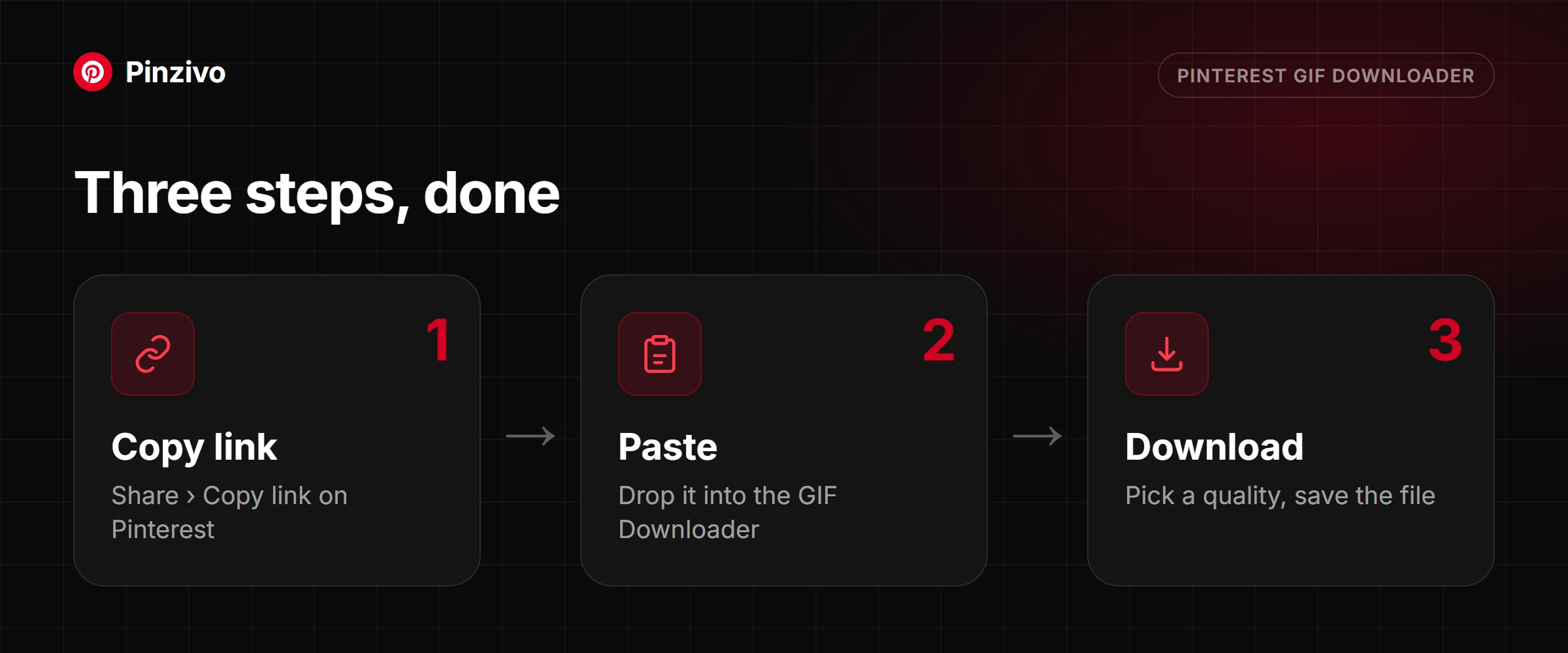
- Find the animated pin in the app and open it. Animated pins restart on their own — there’s no play button and no progress bar.
- Tap the three-dot icon, then Copy link.
- Paste it above and tap Get GIF. The preview in the card loops, which is the quickest confirmation you’ve got the right pin.
- Save it. Note that Android’s gallery may show it as a static thumbnail — that’s the gallery, not the file. Open it in a chat app or browser and the animation plays.
- Open the animated pin, tap the share arrow, then Copy link.
- Paste into the box above in Safari and tap Get GIF.
- Press and hold the download button and choose Download Linked File. It saves to Files → Downloads.
- To use it in Messages or WhatsApp, share it from Files rather than saving to Photos first. Photos sometimes converts animated files on import, and a converted file stops looping.
- Open the pin on pinterest.com and copy the URL.
- Paste it above and press Get GIF.
- The card shows the file size alongside the preview. Animated files are much heavier than they look, and this is where you find out before downloading.
- Download it. Drag straight into Slack, Discord, Google Docs or an email and it animates without anything being installed.
GIF or short video — and why it matters
GIF is one of the oldest formats still in everyday use online, and Pinterest's relationship with it is not quite as simple as the label suggests. Here is what a GIF actually is, where the format still earns its place, and when the video version behind it is the better save.
What makes a GIF a GIF
A GIF is a fixed sequence of frames that loops on its own the moment it opens, with no audio track at all — not muted audio, but no audio channel built into the format in the first place. That built-in loop is the whole appeal: it needs no player, no controls and no tap to start, which is why it survived decades after more capable video formats arrived.
The awkward truth about “GIFs” on Pinterest
Plenty of pins that look and behave like GIFs — silent, looping, autoplaying — are not actually stored as GIF files at all. Pinterest frequently keeps them as short silent video instead, because video compresses dramatically better than the GIF format ever has, and serving video costs the platform far less bandwidth at scale. Visually the two are close to indistinguishable in the feed; only the file itself reveals which one it really is, which is why this tool checks the actual format rather than trusting how the pin looks.
File size
This is where the difference matters most. Five seconds of GIF can end up several times larger than five seconds of video showing the same motion, because GIF compresses each frame more or less independently, while video formats compress the differences between frames and barely need to touch the parts of the image that are not changing. A looping clip that is a fraction of a megabyte as video can balloon into several megabytes once converted to GIF.
Where GIFs actually work
The format still earns its keep in specific places: chat apps, Slack and Discord, forum posts, email signatures, and presentation slides all treat GIF as something that just plays, no click required, which is exactly what makes it useful there. It works less well anywhere file size matters or an audio track would help — social posts meant to be shared widely, or anything where the motion is really the point and a proper video would look and sound better for barely more space.
Frame rate and timing
Some downloaded loops feel a little choppier than they looked scrolling the feed, and that is usually the format's own limitation showing through rather than anything going wrong in the download. GIF frequently drops frames to keep file size under control, so motion that looked smooth as a compressed preview in the feed can read as slightly stepped once you are watching the actual file at full size, frame by frame.
Colour
GIF is limited to a palette of 256 colours per frame, which is more than enough for flat graphics and simple animation but starts to show on anything with a smooth colour gradient — a sunset, a soft shadow, a blurred background. That visible banding, where a gradient breaks into distinct stripes instead of blending smoothly, is a direct result of the format's colour limit, not a flaw in the specific file.
When to take the video version instead
The short rule: take GIF when the file needs to auto-play with zero taps somewhere that only accepts that format, and take video everywhere else — smaller file, sharper colour, and the option of sound if the original had any. If a pin turns out to actually be stored as video, this tool will say so and point you to the Video Downloader instead of forcing a GIF conversion nobody asked for.
If the pin in question turns out to hold several slides rather than one continuous loop, that is the Reel Downloader's job. And for a pin that is just a still image with no motion at all, the Photo Downloader gets the full-resolution original instead.
What you get
A file that just loops, everywhere
Loops without a player
The repeat is part of the file, not something a video player is told to do. Drop it anywhere and it cycles on its own.
Silent by design
There is no audio track to strip out, which is why an animated pin never surprises anyone by making noise in an open-plan office.
Frame timing preserved
Per-frame delays come across as authored, so the animation runs at the pace it was meant to rather than sped up or stuttering.
Size shown before you save
Animated files are heavier than they look. The size sits next to the preview so there are no surprises on mobile data.
Stored as video? You are told
When Pinterest keeps the animation as a short video instead of a GIF, the tool says so and points you to the Video Downloader for the MP4.
Drops into chat and docs
Slack, Discord, WhatsApp, Google Docs, email — all of them animate it inline with nothing to install at either end.
Is it definitely a GIF?
Advancing through separate scenes with text on each one? That’s a multi-slide pin, and it needs the tool built to pull the slides apart.
Open the reel downloader →
Turns out it isn’t moving at all? Send it to the photo tool and get the still at its full original size instead.
Open the photo downloader →
FAQ
Animated pin questions
Are Pinterest “GIFs” actually GIF files?
Often not, underneath. Pinterest frequently stores animated pins as short silent video because it is dramatically smaller to serve, even though the interface and everyone using it calls them GIFs. This tool gives you the genuine looping GIF when the pin is a real GIF, and tells you when it is stored as video so you can use the Video Downloader.
Will my download loop forever?
Yes. The loop is written into the file rather than being a setting in a player, which is why it keeps cycling when you drop it into a chat window or a document with no controls at all.
Why is the GIF so much bigger than the video was?
Because the formats compress completely differently. Video compresses across time, storing only what changed between frames. A GIF stores each frame far more independently, so a few seconds of motion can easily run to several megabytes where the video equivalent is a few hundred kilobytes. You are paying that cost for universal compatibility.
Does a GIF have sound?
No, and it cannot. The format has no audio track at all — this is a structural fact about GIFs, not a choice made here or a muting step. If the pin had sound and you need to keep it, take the video version instead.
Where can I actually use the file?
Anywhere that renders images inline: Slack, Discord, WhatsApp, iMessage, Google Docs, Notion, PowerPoint, email signatures, and any web page. That reach is the entire reason to accept the larger file size.
Can I get the animation as a video file instead?
Yes, when Pinterest stores the pin as a video — the tool tells you and links to the Video Downloader, which saves the MP4. It’s the better pick when the file is going somewhere that plays video happily and you’d rather not move ten megabytes for four seconds of animation.
The pin clearly moves, but this tool rejects it. Why?
Most likely it isn’t a single animation. Pins that advance through distinct scenes are multi-slide pins and belong to the Reel Downloader. Long clips with a scrub bar are ordinary videos.
Why does my download look grainier than it did on Pinterest?
Almost certainly the colour palette. GIF is limited to 256 colours per frame, which is plenty for flat illustration and lettering but shows visible banding on gradients, skin tones and photographic footage. If the source is photographic, the video version will look noticeably cleaner.
Other tools
Need a different kind of pin?
Every Pinzivo tool is free and works the same way: copy the link, paste it, download.
Paste any pin or board link. The tool detects the type and gives you the file.
Open tool →
Guides
Read more
Many "GIFs" on Pinterest are short videos. How to tell, and how to save each kind.
Read guide →
Copy the link, paste it, pick a quality. Steps for iPhone, Android and PC, plus fixes when it fails.
Read guide →
Pin, board, video, photo, GIF or multi-slide: how to tell what your link is and which tool to use.
Read guide →