
Most people treat Pinterest like a living scrapbook — pinning endlessly, rarely retrieving. But when a creative workflow demands those images in bulk, grabbing pins one by one falls embarrassingly short. That gap is exactly where a dedicated board downloader steps in.
The smarter approach isn't chasing pins one by one — it's understanding that one link to an entire Pinterest board can be converted into an organized folder on your computer with almost no friction involved.
What surprises most practitioners is how much content variety a single board holds — videos, GIFs, images, idea pins — all mixed together. A capable downloader handles every format simultaneously, eliminating the need to download each file type separately.
Whether you're archiving mood references, preparing client-ready assets, or simply backing up years of curation, grabbing an entire Pinterest board in one structured pull changes how you interact with the platform.
Step-by-Step: Downloading a Board
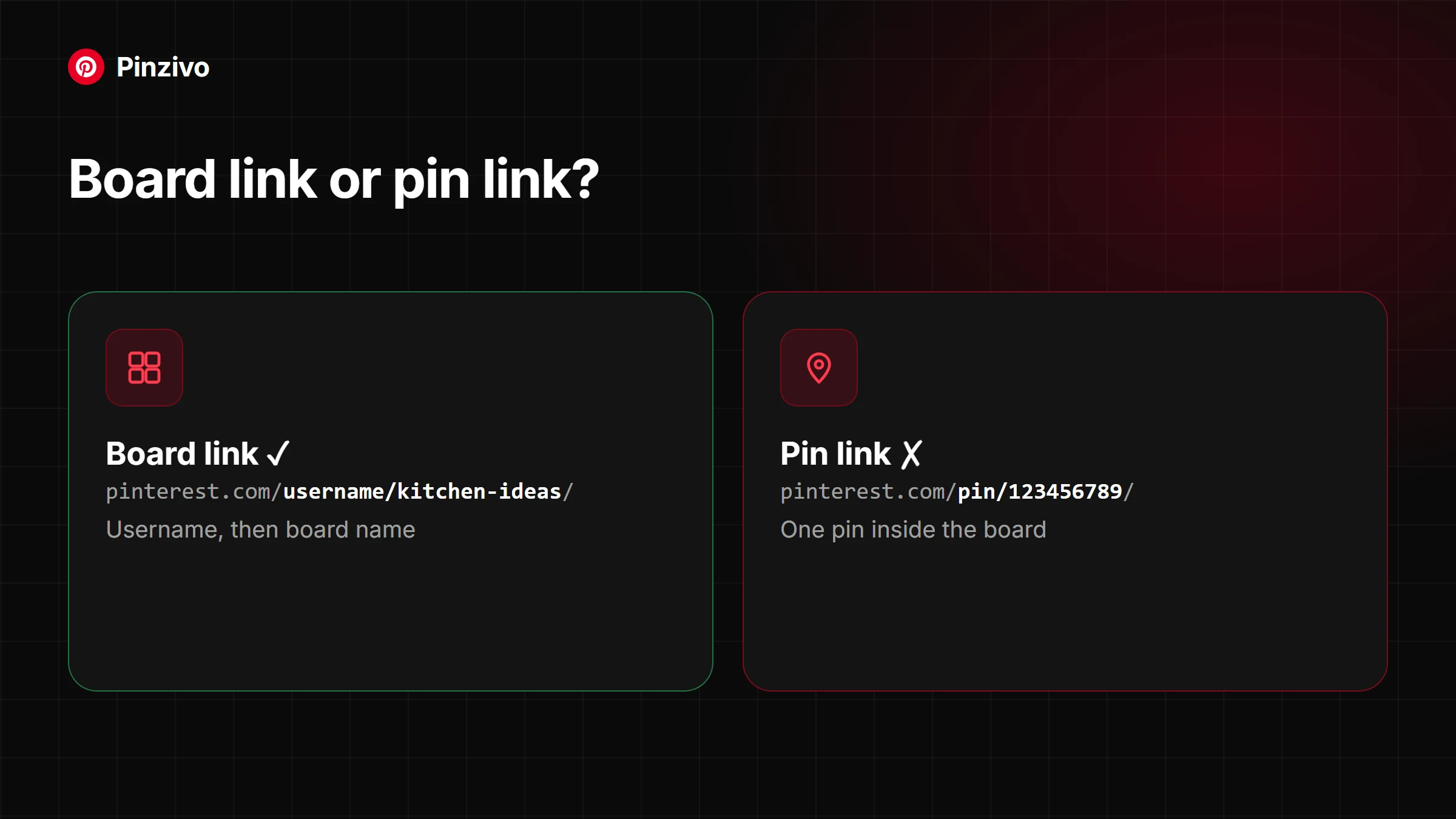
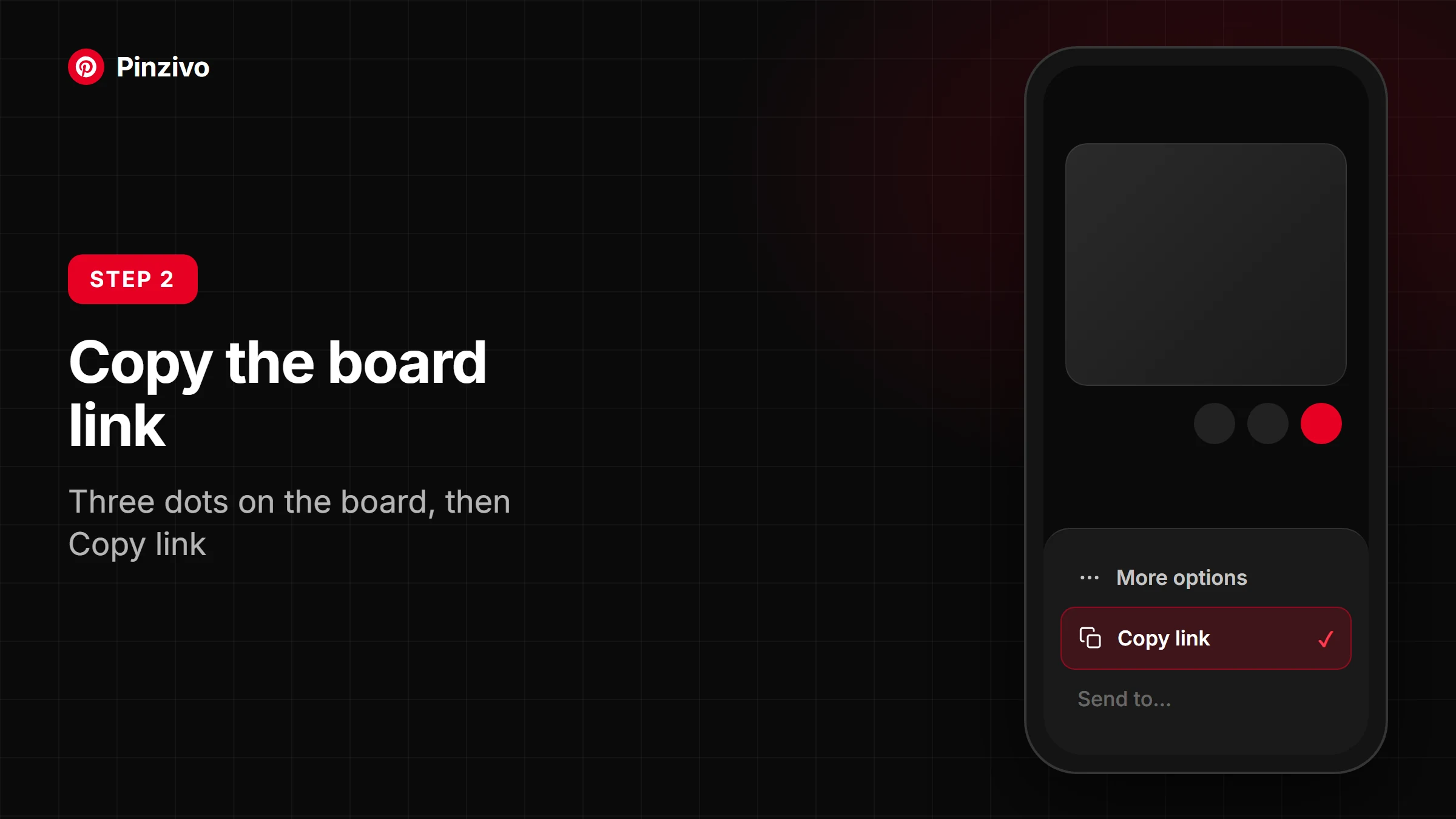
From the mobile app: Open the Pinterest app, navigate to any public Pinterest board, and tap the share icon. Copy the board link. Use a mobile browser to paste it into the Board Downloader — your images save to your device instantly — for videos, open that pin in the Video Downloader, which saves the MP4 to your camera roll or Downloads.
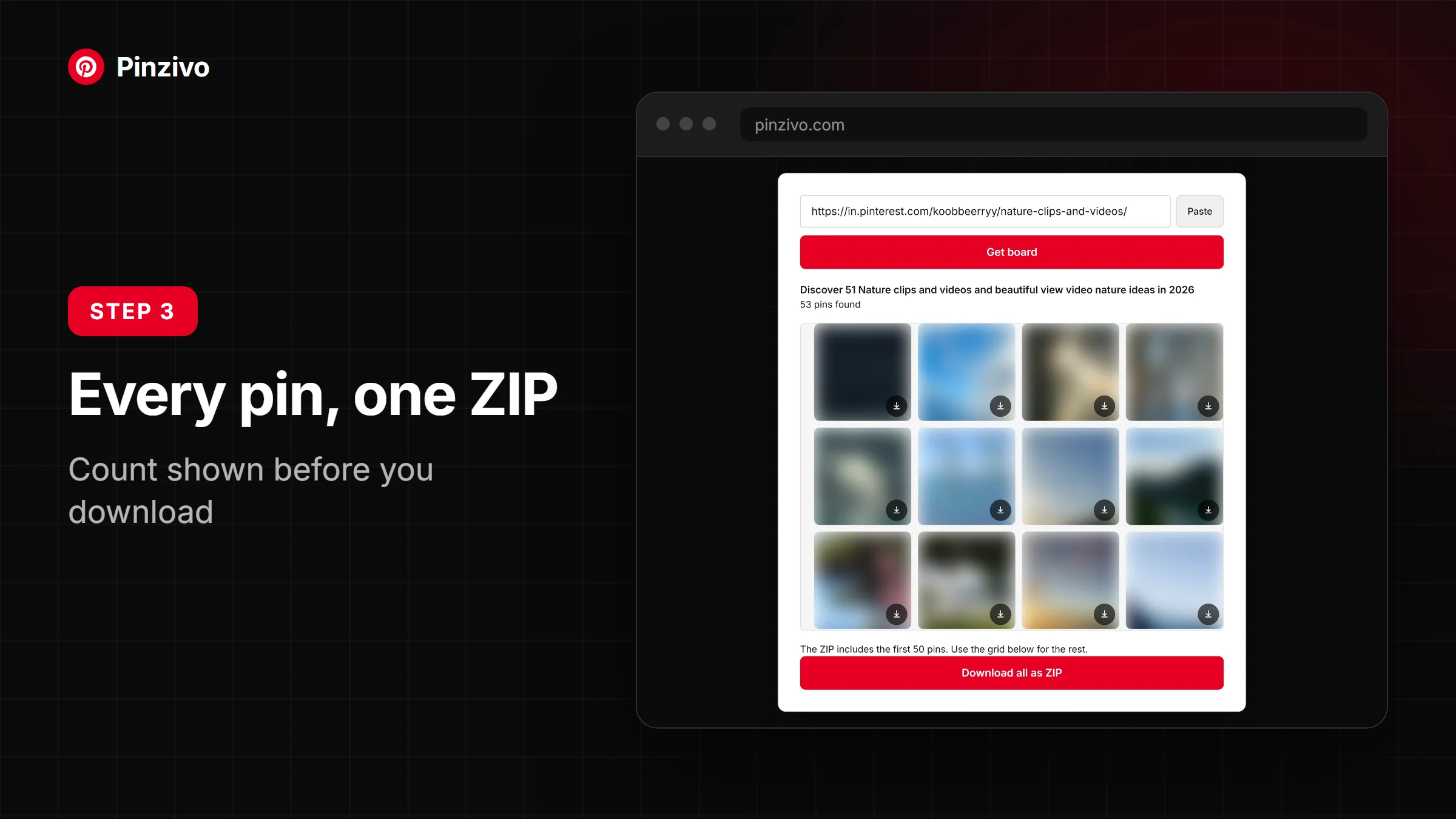
From desktop: On Mac, Windows, or Linux, open the target board in your browser. Copy the Pinterest board URL from the address bar, paste it into the tool, and your full-resolution files download directly to your device.
What You Can Download
Beyond standard images, a Pinterest board downloader handles far more than most users realize. From Pinterest reels and short videos to animated pins and GIFs, every pin on the board is saved as its cover image, which surprises even seasoned creatives who assumed only JPG files were retrievable.
Idea Pins, slideshows, Pinterest carousels, and Stories all fall within reach as cover images, alongside the public boards of Pinterest profiles, across formats like PNG and WebP.
Batch-Saving Every Pin at Once
Saving an entire board at once eliminates the tedious process of grabbing pins one by one. The tool preserves original HD quality, delivering full-resolution assets ready to use, with no watermark attached.
Most board downloaders skip videos, and Pinzivo saves each video pin's cover image alongside your images, in the same batch — to get the MP4 itself in Full HD quality, open that reel or short video pin in the Video Downloader.
Does the Tool Work on Mobile?
The Board Downloader functions smoothly on mobile browsers without requiring a dedicated app. Open your Pinterest board, copy the URL, paste it into the tool, and download directly to your device — no desktop needed.
Is the Tool Safe to Use?
The safest tools never request your Pinterest credentials, login, or session data whatsoever, and Pinzivo is built on that principle — nothing installs on your machine, and your Pinterest URL is processed remotely, keeping your device and personal data untouched.
Responsible Use and Creator Rights
Saving pins locally for personal use differs vastly from redistributing them. Always verify copyright status before reusing Pinterest imagery. Trusted tools respect publicly accessible content boundaries, never bypassing private or restricted boards without proper permissions from original creators.
What to Look For in a Board Downloader
A reliable board downloader should handle bulk requests without throttling and deliver full resolution PNG, JPG output consistently. If a downloader skips videos, GIFs, or carousel pins, it's already cutting corners before you've downloaded a single board.
Privacy and Service Data
When you submit a public Pinterest URL to the Board Downloader, the tool processes only that Pinterest link — no email, no password, no session cookies, nothing tied to your account ever enters the picture. No credentials, no malware risk, no stored identity traces behind.
Made for Creative Professionals
Designers and creatives who build digital mood boards daily understand one frustrating truth — manually curating scattered Pinterest pins wastes hours. A tool with batch support and original file delivery changes how visual workflows actually operate, free of a signup wall and without losing full-resolution quality mid-process.